
 Log in
How to Use Virtual Visa Card?
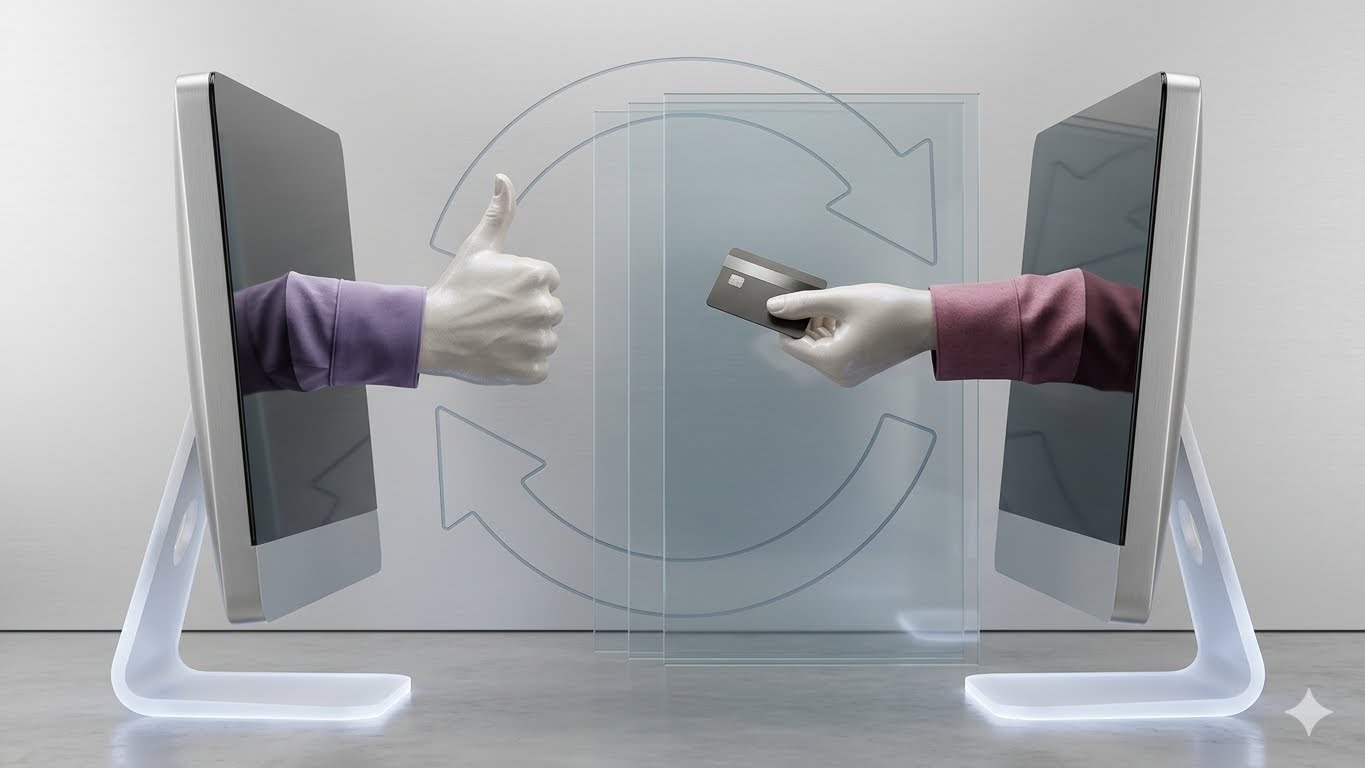
Here’s how to use Virtual Visa Card, enter the card number, expiration date, and CVV during checkout, just as you would with a physical Visa card. You can also add eligible virtual Visa cards to digital wallets like Google Pay for contactless payments where supported.
Virtual Visa cards have become one of the safest and most convenient ways to pay online, manage subscriptions, and reduce the risk of fraud. If you’re wondering how to use virtual Visa card, this guide explains how they work, how to use them for different payment scenarios, and the best practices to ensure successful transactions.
In this article
- How to Use Virtual Visa Card?
- What Is a Virtual Visa Card?
- Spent 3500 Already On Utility Bills With Virtual card Number
- Google Pay Virtual Card
- Google Virtual Card
- Virtual Cards Consumer Adoption
- How to Use Virtual Visa Card with Digital Wallets
- Common Virtual Visa Card Mistakes to Avoid
- How Bycard Helps You Use Virtual Visa Cards More Effectively
- Security Tips When Using a Virtual Visa Card
What Is a Virtual Visa Card?
A Virtual Visa card is a digitally generated payment card that functions like a traditional Visa card but exists only in electronic form. It includes a unique card number, expiration date, and CVV, allowing you to shop securely without exposing your primary payment details.
How Virtual Visa Cards Work & How to Use Virtual Visa Card
Virtual Visa cards use the Visa payment network and can be accepted anywhere merchants support Visa payments, subject to issuer and merchant policies.
Benefits of Using a Virtual Visa Card
- Improves payment security
- Reduces fraud risks
- Protects your primary account details
- Makes subscription management easier
- Supports secure online shopping
How to Use Virtual Visa Card for Online Payments
If you’re searching for how to use virtual Visa card, the process is almost identical to paying with a physical Visa card. During checkout, simply enter your virtual card number, expiration date, CVV, and billing details. After submitting your payment, your card issuer may require additional verification, such as a one-time password or biometric authentication, before approving the transaction.
One major advantage of virtual Visa cards is that users can quickly replace compromised cards without waiting for a physical replacement. This reduces downtime and helps maintain uninterrupted online purchasing.
Using a virtual Visa card is simple:
- Generate or receive your virtual Visa card.
- Copy the virtual card number, expiry date, and CVV.
- Add your billing details if required.
- Complete checkout like a physical Visa card.
- Verify the payment if prompted.
Where You Can Use ItCommon Purchase Problems
- Online shopping
- Subscription services
- Digital marketplaces
- Travel bookings
- Utility bill payments

Perfect Card for running ads!
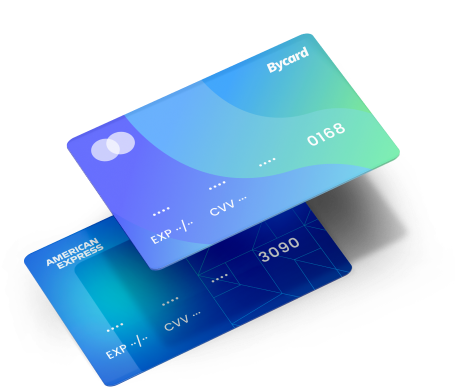
Spent 3500 Already On Utility Bills With Virtual card Number
Many users rely on virtual Visa cards for recurring expenses, including electricity, internet, water, and mobile bills. For example, if you’ve spent 3500 already on utility bills with Virtual card number, it demonstrates how virtual cards can simplify recurring payments while keeping your primary banking information protected.
Utility providers increasingly accept Visa payments for electricity, water, gas, internet, cable television, mobile phone services, and municipal bills. By using a dedicated virtual card for these recurring expenses, consumers can separate essential monthly payments from discretionary spending, making budgeting much easier.
Best Practices
- Monitor recurring payments regularly.
- Set spending limits where available.
- Use transaction notifications.
- Replace compromised virtual cards immediately.
Google Pay Virtual Card
The integration of Google pay virtual card functionality has made digital payments faster, safer, and more convenient. Many eligible virtual Visa cards can be added directly to Google Pay, allowing users to make contactless purchases in physical stores, online, and within supported mobile applications.
Many eligible virtual Visa cards can be added to Google Pay, allowing users to make secure contactless payments. Adding a virtual Visa card to Google Pay usually involves opening the Google Pay app, selecting Add Payment Method, entering the virtual card details, and completing issuer verification. Once verified, users can make contactless payments wherever Google Pay and Visa are accepted.
How to Add a Virtual Visa Card
- Open Google Pay.
- Select Add Payment Method.
- Enter your virtual Visa card information.
- Complete issuer verification.
- Start making contactless payments where accepted.
Benefits
- Faster checkout
- Tokenized transactions
- Reduced fraud exposure
- Convenient mobile payments
Google Virtual Card
The term Google virtual card generally refers to virtual payment credentials that work within Google’s payment ecosystem. Depending on the card issuer and region, users may be able to store eligible virtual Visa cards in Google Wallet or Google Pay for secure online and contactless transactions.
NOTE
Google’s payment ecosystem supports eligible virtual cards for online and mobile payments depending on the card issuer.
When to Use Google Virtual Card
Use it for:
- Secure online purchases
- Contactless payments
- Subscription services
- In-app purchases
Common Payment Issues
If a payment is declined:
- Verify card details.
- Confirm available balance.
- Check merchant acceptance.
- Ensure the card hasn’t expired.
- Complete any required authentication.
PRO TIP
A virtual Visa card may be declined because of incorrect card information, insufficient funds, expired card details, merchant restrictions, authentication requirements, or issuer security checks.
Virtual Cards Consumer Adoption
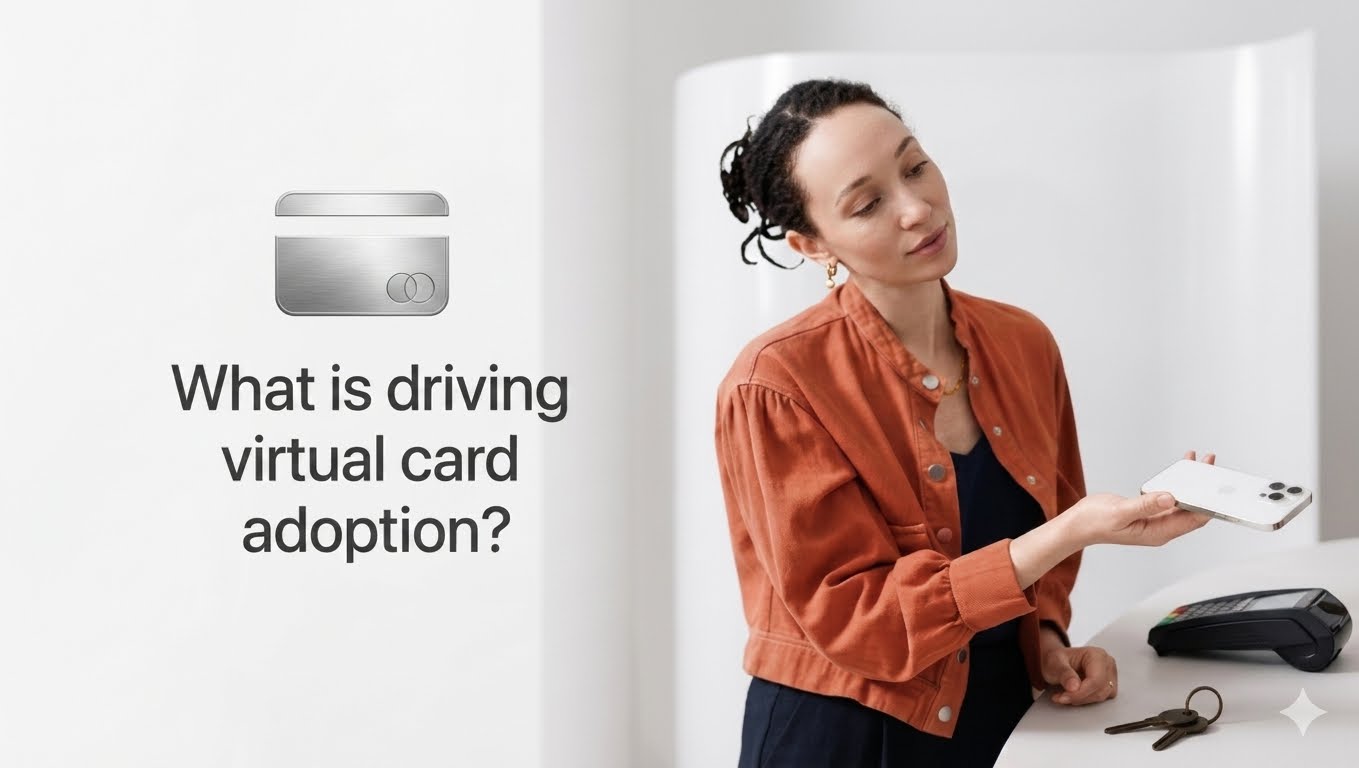
Virtual cards consumer adoption has increased significantly as more individuals prioritise secure online payments, fraud prevention, and digital-first financial services. The growth of e-commerce, subscription-based services, mobile wallets, and remote work has accelerated the demand for virtual payment solutions across multiple industries.
Virtual cards continue to gain popularity among consumers due to increasing concerns about online fraud and the demand for more secure payment methods.
Why Adoption Is Increasing
- Better online security
- Easier subscription management
- Improved spending control
- Digital wallet compatibility
- Growing acceptance by merchants
Future Trends
As digital payments continue to evolve, virtual Visa cards are expected to play a larger role in e-commerce, business spending, and international transactions.
How to Use Virtual Visa Card with Digital Wallets
Besides Google Pay, many eligible virtual Visa cards may also work with supported digital wallets depending on the issuer.
Digital Wallet Benefits
- Faster checkout
- Enhanced payment security
- Contactless transactions
- Encrypted payment credentials
Common Virtual Visa Card Mistakes to Avoid
Incorrect Billing Information
Always ensure your billing address matches your issuer’s records.
Using Unsupported Merchants
Some merchants may not accept prepaid or virtual cards.
Ignoring Spending Limits
Some virtual cards have balance or transaction restrictions.
Forgetting Expiration Dates
Always verify that the virtual card is still active before making a purchase.
How Bycard Helps You Use Virtual Visa Cards More Effectively
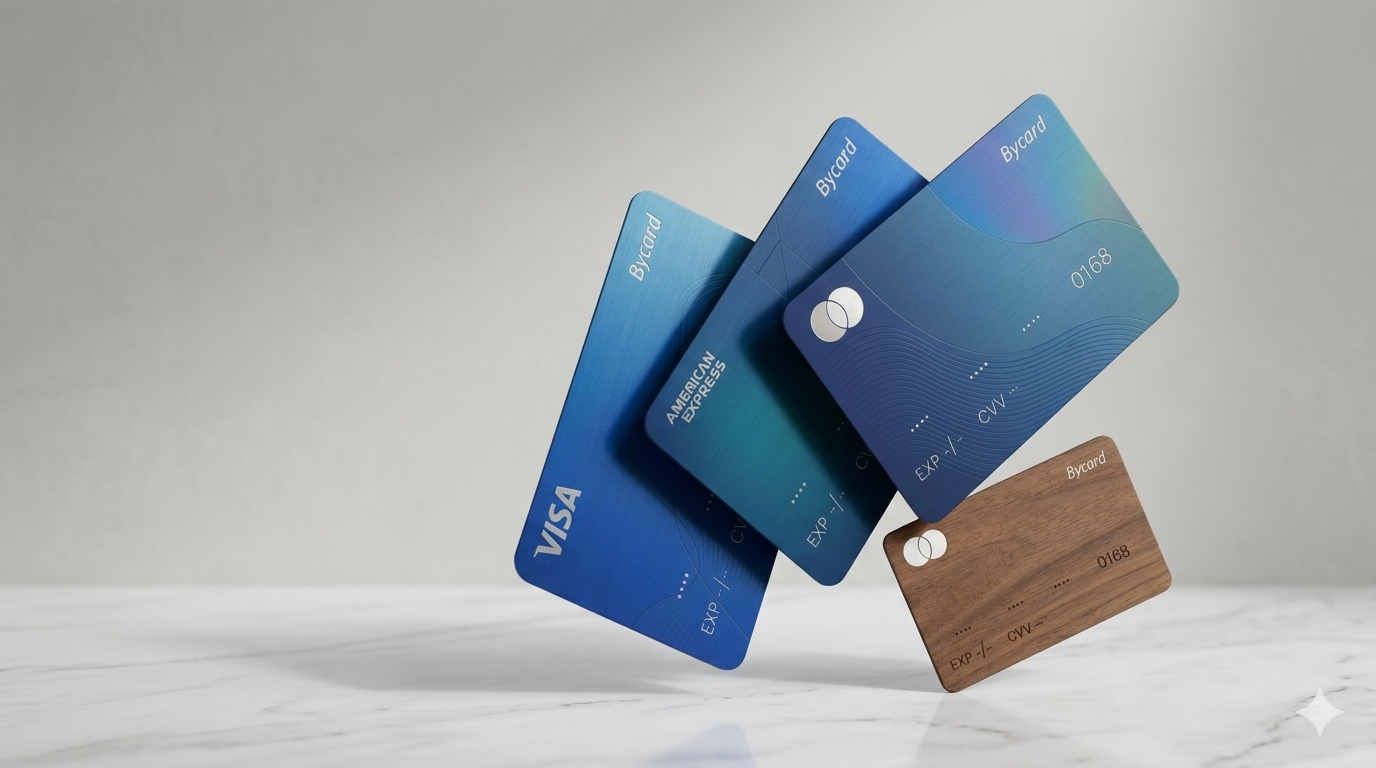
Bycard makes it easier to manage virtual payment cards for secure online spending. Whether you’re paying utility bills, shopping online, managing subscriptions, or making international purchases, Bycard helps users access virtual card solutions designed for convenience and enhanced payment security.
To learn more, explore these related resources:
- How to Use a Virtual Card for Secure, Hassle-Free Spending
- Virtual Visa Card Benefits for Safer Spending
- Virtual Card vs Physical Card
- How to Get a Virtual Card That Actually Works Everywhere
- How to Use a Virtual Mastercard for Smart Payments and Transactions
Security Tips When Using a Virtual Visa Card
Protect Your Card Details
Only enter your card information on trusted websites.
Enable Transaction Alerts
Real-time notifications help identify unauthorised activity quickly.
Use Temporary Virtual Cards When Available
Single-use or temporary virtual cards can further reduce fraud risks for one-time purchases.
Conclusion
Learning how to use virtual Visa card is straightforward once you understand where it works, how to add it to digital wallets, and how to avoid common payment issues. By following best practices and using trusted providers such as Bycard, you can enjoy safer online payments, better spending control, and greater convenience.

CATEGORIES

轻松完成账单支付的 Google Ads 支付方式指南现已上线
Wise vs Revolut? Comparing the Best Multi-Currency Card 2026

Wise Alternatives That Make Payment Faster and Currency Conversion Simple
Wire Transfer vs Bank Transfer – Swift Business Payments Now

Why Virtual Cards Matter in Digital Payments Now

Why Travel Rewards Credit Cards are Highly Important
