
 Log in
How To Use Virtual Visa card
Using a virtual Visa card is one of the safest ways to make online and digital payments without exposing your actual card details. Whether you’re shopping online, paying for subscriptions, or making business purchases, learning how to use virtual Visa card correctly helps improve payment security while giving you greater control over your spending.
In this article
- How To Use Virtual Visa card
- Virtual Visa Prepaid Card
- How To Use Virtual Visa Card Online?
- How To Use Virtual Visa card in Store Without Card
- How To Use Tremendous Virtual Visa Card
- How to Activate Your Virtual Visa Card
- Using Virtual Visa for Subscriptions
- International Payments
- Common Problems and Solutions
- Security Best Practices
- Fees and Limits
- Why Choose Bycard for Virtual Visa Cards?
Virtual Visa Prepaid Card
A Virtual Visa Prepaid Card is a digital payment card that can be funded with a specific amount of money. Unlike traditional credit cards, it helps users limit spending while reducing the risk of fraud.
Benefits of a virtual Visa prepaid card
- Improves payment security
- Controls spending limits
- Ideal for subscriptions
- Suitable for international purchases
- Protects your primary card information
Where you can use a virtual Visa prepaid card
- Online shopping
- Streaming services
- Software subscriptions
- Business expenses
- Digital advertising platforms
- Travel bookings

Perfect Card for running ads!
How To Use Virtual Visa Card Online?
Enter your virtual Visa card number, expiration date, and CVV during checkout, complete any required verification, and confirm your purchase. Your payment is processed just like a physical Visa card while offering additional security.
Using a virtual Visa card online is straightforward.
Step-by-step guide
- Obtain your virtual Visa card details.
- Copy the card number, expiry date, and CVV.
- Visit the online checkout page.
- Enter your payment details.
- Complete any required verification.
- Confirm the transaction.
Best practices for secure online payments
- Use trusted websites.
- Enable transaction notifications.
- Avoid sharing card details.
- Monitor your spending regularly.
Common payment errors
- Incorrect billing information
- Expired virtual card
- Insufficient balance
- Merchant restrictions
- International payment limitations
How to troubleshoot declined payments
- Confirm your card details.
- Check your available balance.
- Verify merchant acceptance.
- Contact your card provider if necessary.
How To Use Virtual Visa card in Store Without Card
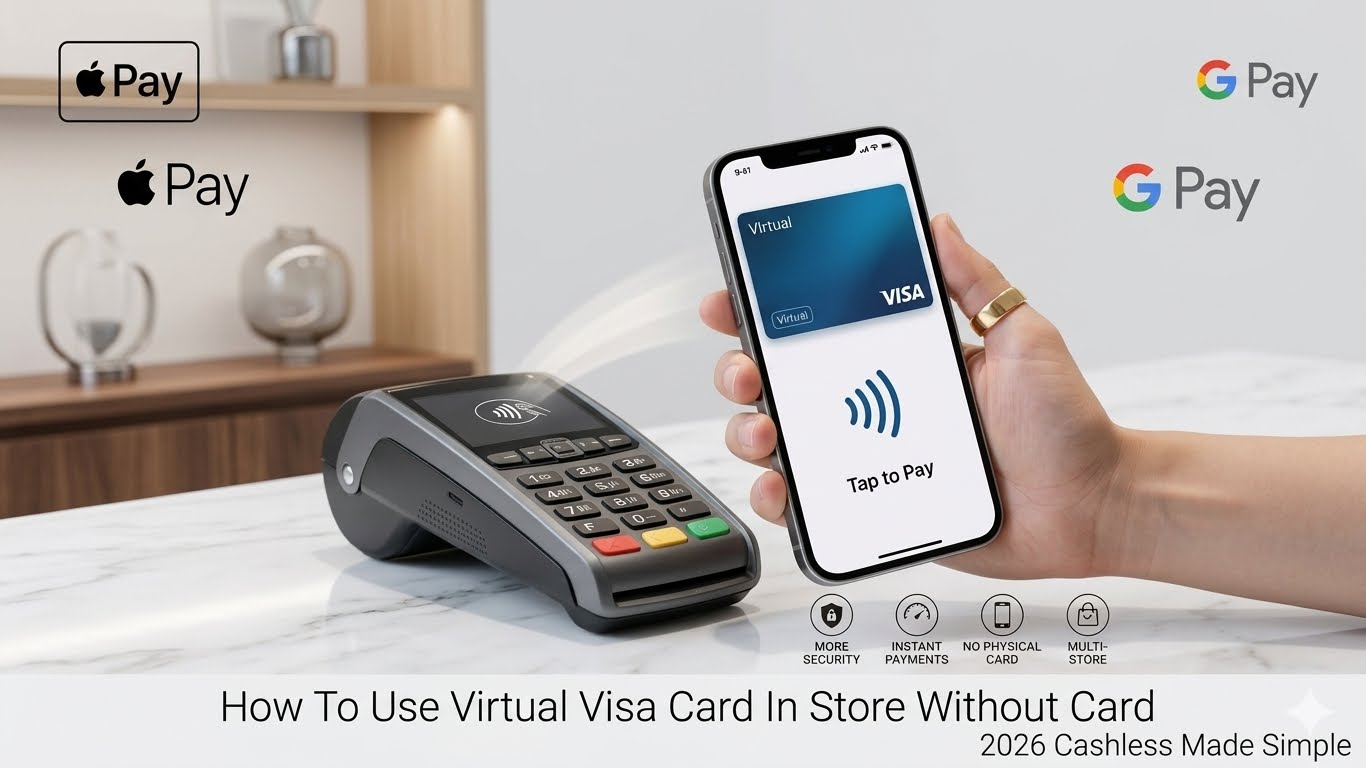
If you want to know how to use Virtual Visa card in store without card? Add the virtual Visa card to a compatible digital wallet, such as Apple Pay or Google Wallet, and tap your mobile device at a contactless payment terminal to complete the purchase.
NOTE
Although virtual cards are digital, many can also be used for in-store purchases.
Paying with a digital wallet
Add your virtual Visa card to:
- Apple Pay
- Google Wallet
- Samsung Wallet
PRO TIP
Then simply tap your mobile device at a contactless payment terminal.
Before visiting a store
Ensure that:
- Contactless payments are accepted.
- Your digital wallet is activated.
- Your virtual card supports in-store transactions.
Merchant restrictions
Some retailers may not support virtual cards for:
- Identity verification
- Cash withdrawals
- Offline transactions
How To Use Tremendous Virtual Visa Card
A Tremendous virtual Visa card is commonly issued as a digital reward card.
How to redeem it
- Activate the card if required.
- View your card details.
- Use it during online checkout.
- Add it to a supported digital wallet if permitted.
Things to check before spending
- Available balance
- Expiration date
- Merchant acceptance
- Geographic usage restrictions
How to Activate Your Virtual Visa Card
Activation varies by provider, but generally includes:
- Logging into your account
- Verifying your identity
- Viewing your virtual card details
- Confirming activation
Using Virtual Visa for Subscriptions
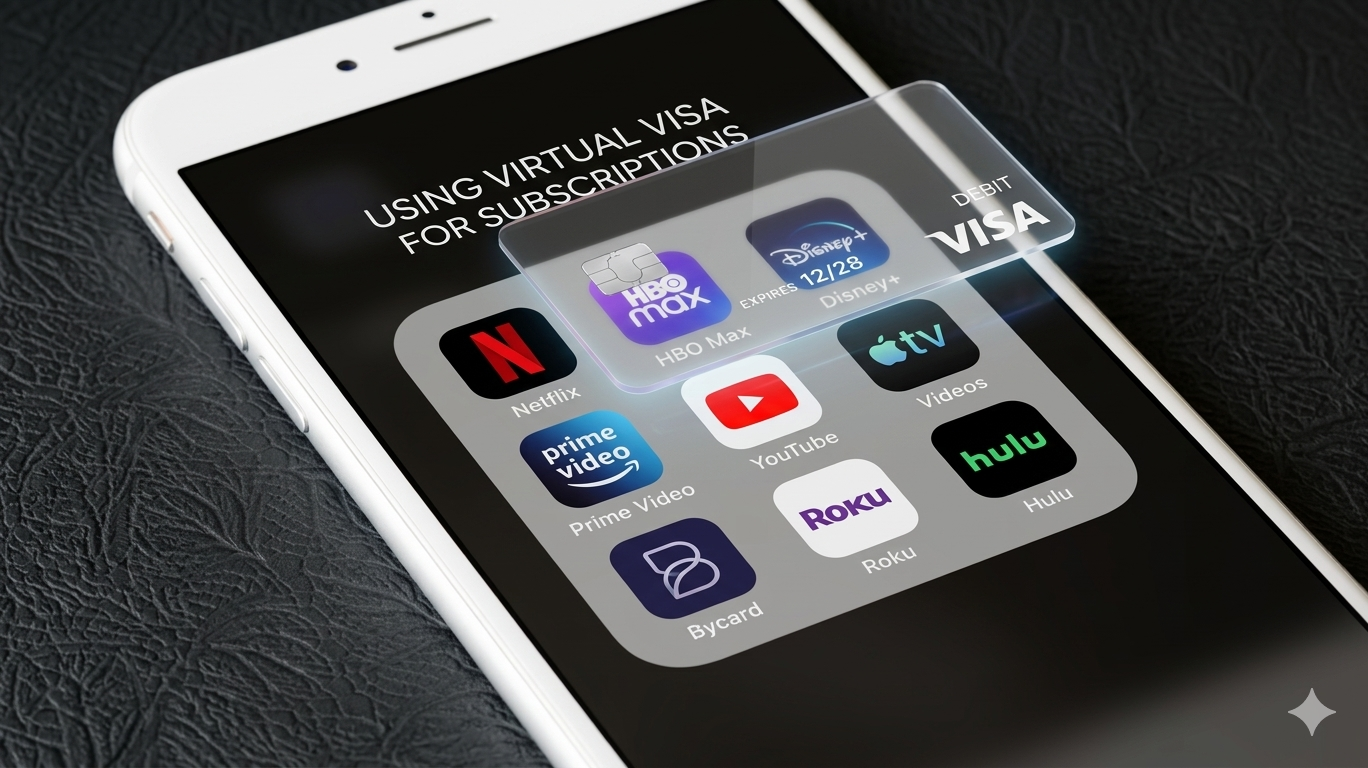
Using Virtual Visa for subscriptions are ideal for recurring payments because they help control spending and reduce the risk of unauthorised charges after cancellation.
Examples include:
- Netflix
- Spotify
- Microsoft 365
- Adobe
- Cloud hosting services
Using Virtual Visa for Business Expenses
Businesses frequently use virtual Visa cards to:
- Manage employee spending
- Pay suppliers
- Purchase software
- Separate departmental expenses
- Simplify expense tracking
International Payments
Many virtual Visa cards support international transactions. Before making payments, verify:
- Currency support
- International transaction fees
- Merchant acceptance
- Spending limits
Common Problems and Solutions
| Problem | Solution |
| Payment declined | Verify card details and available balance |
| Merchant rejects card | Check whether virtual cards are accepted |
| Verification failed | Complete identity verification |
| Refund pending | Wait for merchant processing times |
| Authorisation hold | Temporary hold usually clears automatically |
Security Best Practices
- Never share your CVV.
- Use unique virtual cards where available.
- Monitor transaction history.
- Enable account alerts.
- Remove cards from unused devices.
Fees and Limits
Depending on the provider, virtual Visa cards may include:
- Issuance fees
- Reload fees
- Currency conversion fees
- Daily spending limits
- Monthly transaction limits
Why Choose Bycard for Virtual Visa Cards?
Bycard provides businesses and individuals with secure virtual Visa card solutions designed for online payments, subscriptions, advertising platforms, international transactions, and expense management. Features such as spending controls, fast issuance, and enhanced security make it easier to manage digital payments while reducing fraud risks.
Conclusion
Knowing how to use virtual Visa card helps you make secure online and in-store payments while protecting your financial information. By following best practices, understanding common payment issues, and choosing a trusted provider like Bycard, you can enjoy safer, more flexible digital transactions.

CATEGORIES

轻松完成账单支付的 Google Ads 支付方式指南现已上线
Wise vs Revolut? Comparing the Best Multi-Currency Card 2026

Wise Alternatives That Make Payment Faster and Currency Conversion Simple

Wire Transfer vs Bank Transfer – Swift Business Payments Now

Why Virtual Cards Matter in Digital Payments Now

Why Travel Rewards Credit Cards are Highly Important
