
 Log in
How To Pay For Nintendo Switch Online
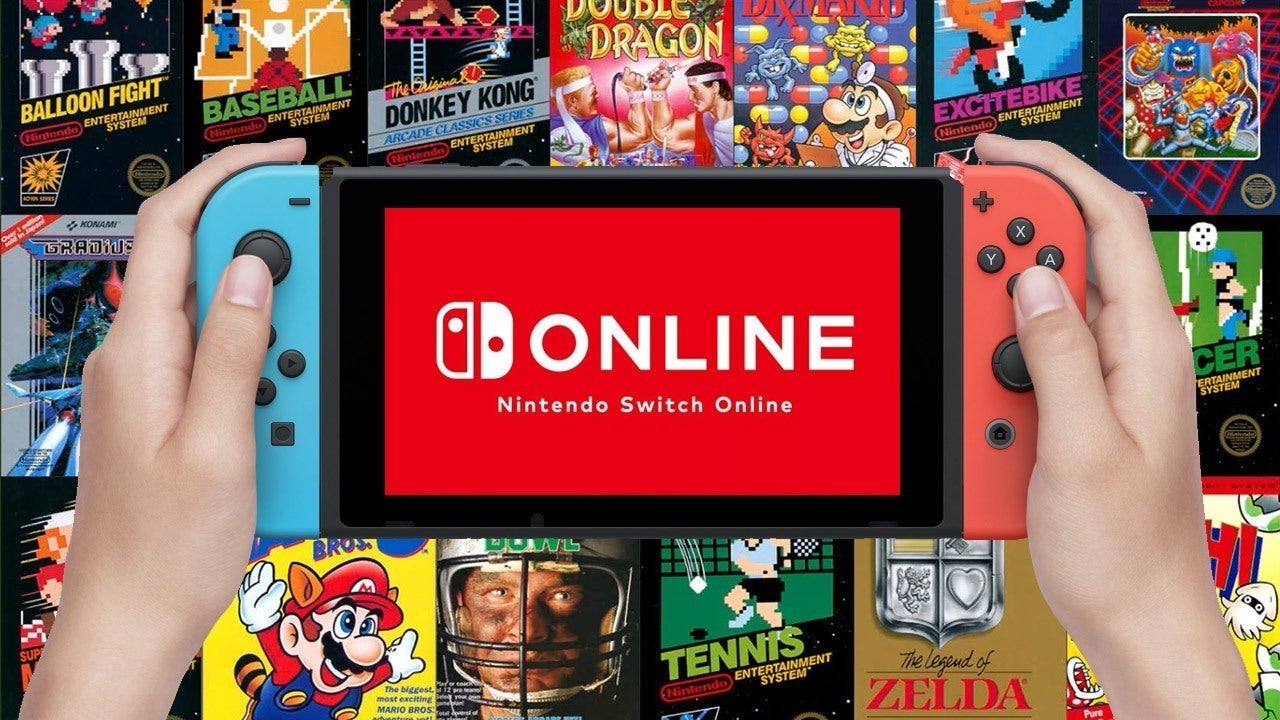
If you’re wondering How to pay for Nintendo Switch online, you have several payment options depending on your region and account settings. You can pay using a credit or debit card, PayPal (where available), Nintendo eShop balance, or a Nintendo eShop Gift Card. Alternatively, purchasing a digital code from a trusted retailer like ByCard provides a convenient option, especially if you don’t want to use a bank card.
How To Pay For Nintendo Switch Membership
The Nintendo Switch Online memberships can be purchased directly through the Nintendo eShop or by redeeming a digital membership code.
Available payment methods
- Credit card
- Debit card
- PayPal (supported regions)
- Nintendo eShop balance if eligible.
- Nintendo eShop Gift Card
- Nintendo Switch Online digital membership code
Can you pay without a credit card?
Yes. You can redeem a Nintendo eShop Gift Card or purchase a digital membership code from a trusted marketplace instead of using a credit card.
Virtual Game Card
The Virtual Game Cards make it easier to manage eligible digital purchases across compatible Nintendo systems linked to the same Nintendo Account.
Benefits of Virtual Game Cards
- Convenient digital game management
- No physical cartridge required
- Easy access to eligible purchased titles
- Supports a growing digital game library
What to know before using one
Availability and supported features may vary depending on your Nintendo Account, game eligibility, and region.

Perfect Card for running ads!
Virtual Game Cards Switch
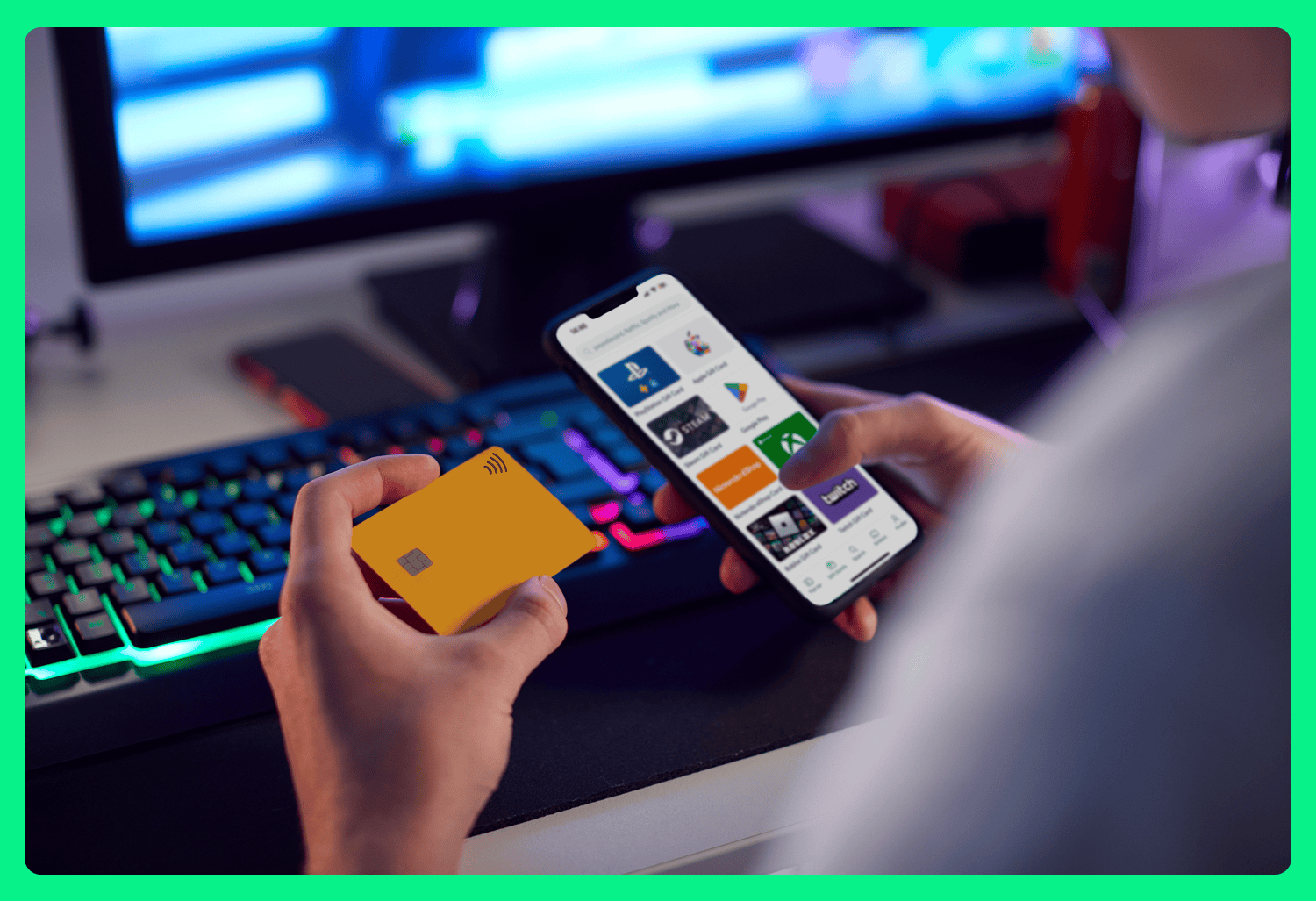
Virtual game cards Switch users should understand that these are designed to improve digital game access rather than replace Nintendo Switch Online memberships. However, they complement an all-digital gaming experience by allowing you to conveniently access eligible games while maintaining an active online subscription.
Best practices you can use it
- Use the same Nintendo Account across devices.
- Keep your account secure with two-factor authentication.
- Verify regional compatibility before purchasing digital content.
Nintendo Switch 2 Pre Order
As excitement grows around the Nintendo Switch 2 pre order, many players are preparing their Nintendo Accounts ahead of launch.
Before you pre-order
- Update your Nintendo Account information.
- Confirm your preferred payment method.
- Maintain an active Nintendo Switch Online membership if you want access to online features and cloud saves (where supported).
- Purchase digital gift cards in advance if you prefer not to use a bank card.
Why Buy Your Nintendo Digital Products Using ByCard?
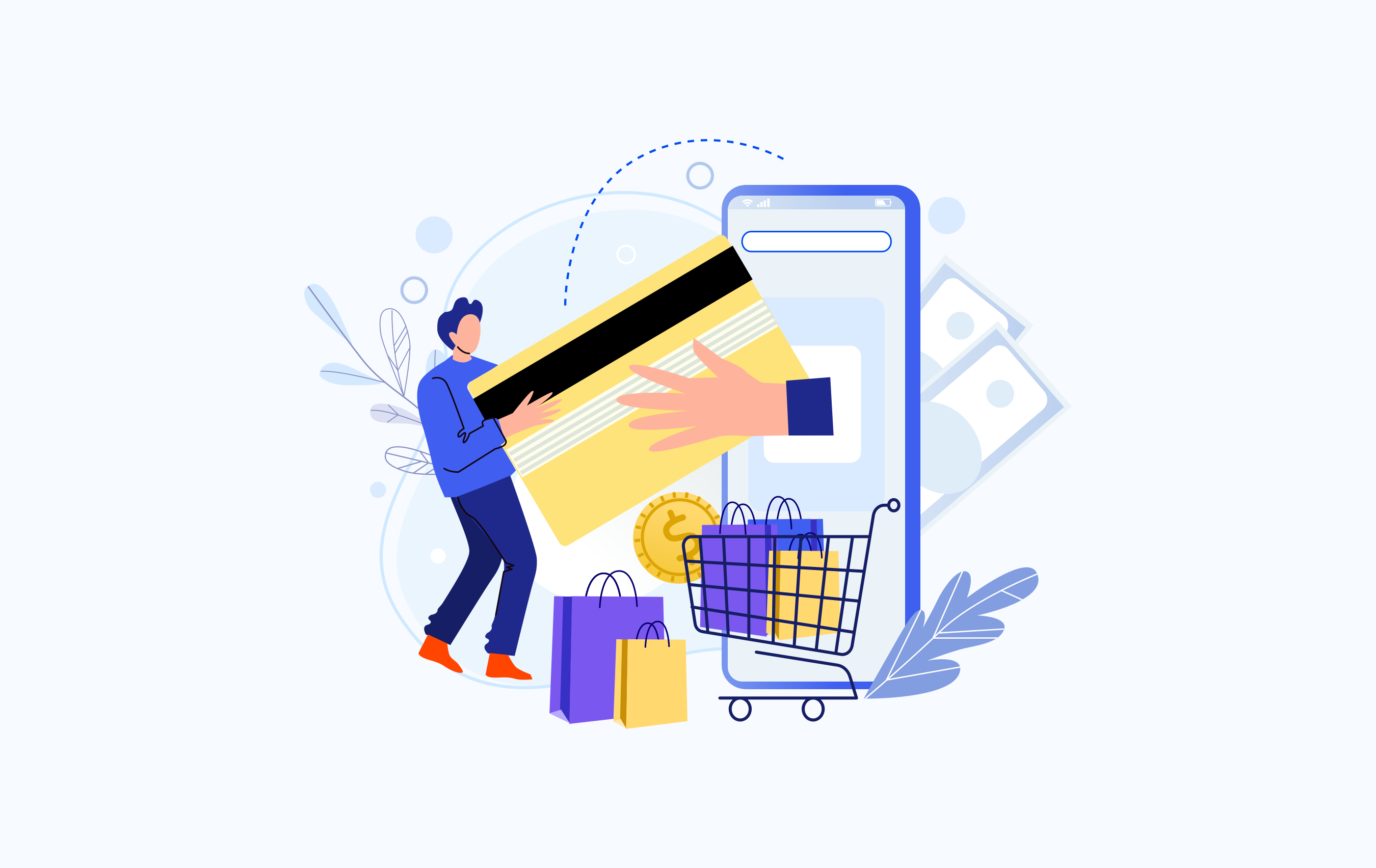
ByCard offers a simple way to purchase Nintendo digital products, making it easier for gamers who prefer alternative payment options or need fast digital delivery.
Benefits of choosing ByCard
Fast digital delivery
Convenient payment options
Secure checkout experience
Supports digital gaming purchases
Ideal for users without a credit card
Common Nintendo Payment Issues
NOTE
Here are some common Nintendo payment issues faced by users
Payment declined
Ensure your billing details match your payment method and verify that your bank permits online international transactions if applicable.
Gift card not redeeming
Confirm that the gift card region matches your Nintendo Account region.
PayPal unavailable
PayPal support varies by country, so check whether it is available in your Nintendo Account region.
Conclusion
Understanding How to pay for Nintendo Switch online helps you choose the payment method that best fits your needs. Whether you use a bank card, PayPal, Nintendo eShop balance, or a digital code from ByCard, selecting the right payment option ensures uninterrupted access to online multiplayer, cloud saves, and other membership benefits.

CATEGORIES

轻松完成账单支付的 Google Ads 支付方式指南现已上线
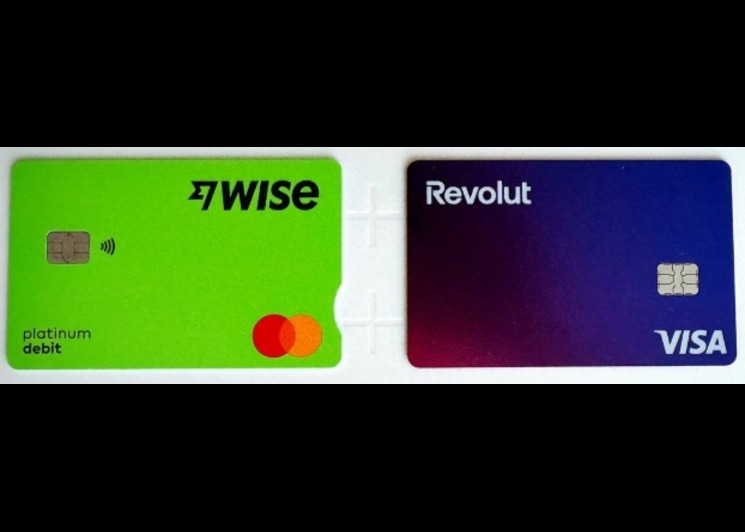
Wise vs Revolut? Comparing the Best Multi-Currency Card 2026
Wise Alternatives That Make Payment Faster and Currency Conversion Simple
Wire Transfer vs Bank Transfer – Swift Business Payments Now
Why Virtual Cards Matter in Digital Payments Now

Why Travel Rewards Credit Cards are Highly Important
