
 Log in
How To View Virtual Afterpay Card
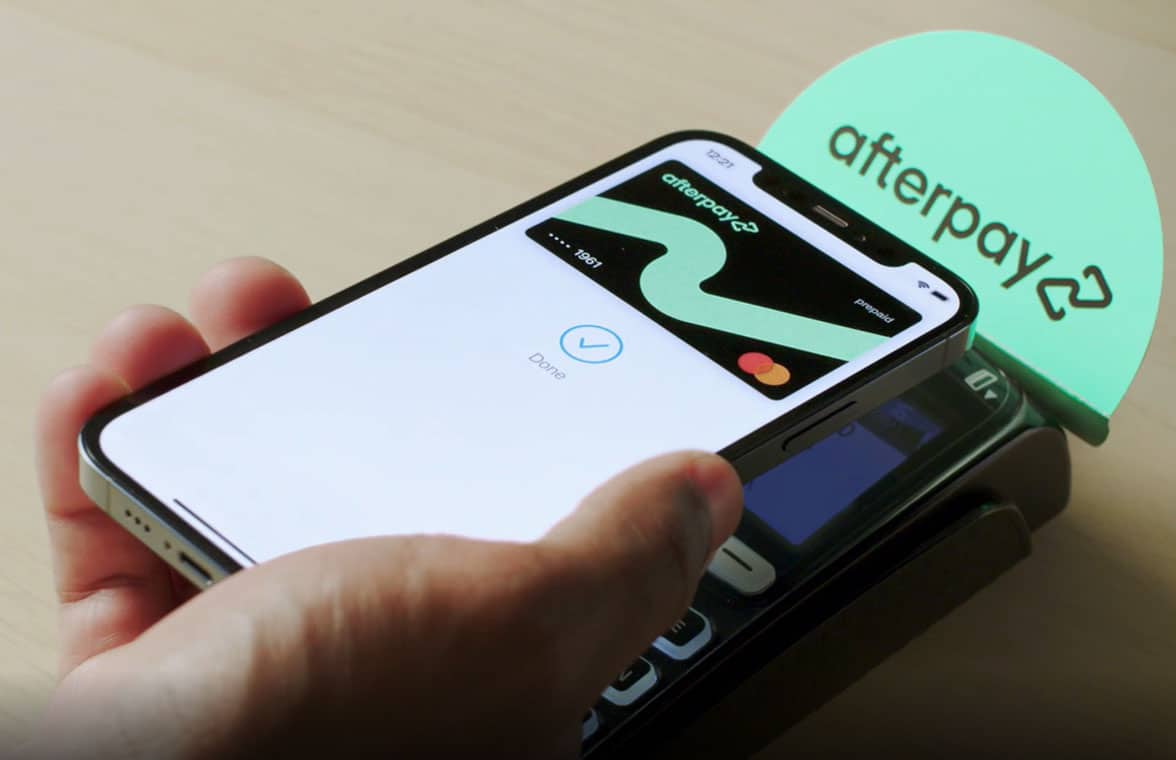
If you’re wondering how to view virtual Afterpay card, the process depends on whether you’ve been approved for the Afterpay Card feature. The virtual card is designed for secure online and in-store purchases through supported digital wallets, so you won’t typically see the full card details like you would with a traditional debit or credit card.
This guide explains where to find your virtual Afterpay card, what information you can view, common issues that prevent access, and how virtual card solutions like Bycard help you manage secure digital payments.
Virtual Afterpay Card – How to view virtual Afterpay card
A virtual Afterpay card is a digital payment card generated within the Afterpay app for eligible users. Instead of displaying a full card number, it is securely tokenized and intended for use with supported digital wallets such as Apple Pay or Google Wallet.
Where to find your virtual Afterpay card?
To view a virtual Afterpay card, open the Afterpay app, go to the Card or Pay In Store section, and follow the setup instructions. Eligible users can add the card to a supported digital wallet, although the full card number is generally not displayed for security reasons.
- Open the Afterpay app.
- Sign in to your account.
- Navigate to the Card or Pay In Store section.
- Follow the prompts to add the card to your digital wallet if eligible.
Why you may not see the card
- Your account isn’t eligible yet.
- Your identity verification is incomplete.
- The feature isn’t available in your region.
- Your app needs updating.
Afterpay Virtual Card Number – How to view virtual Afterpay card
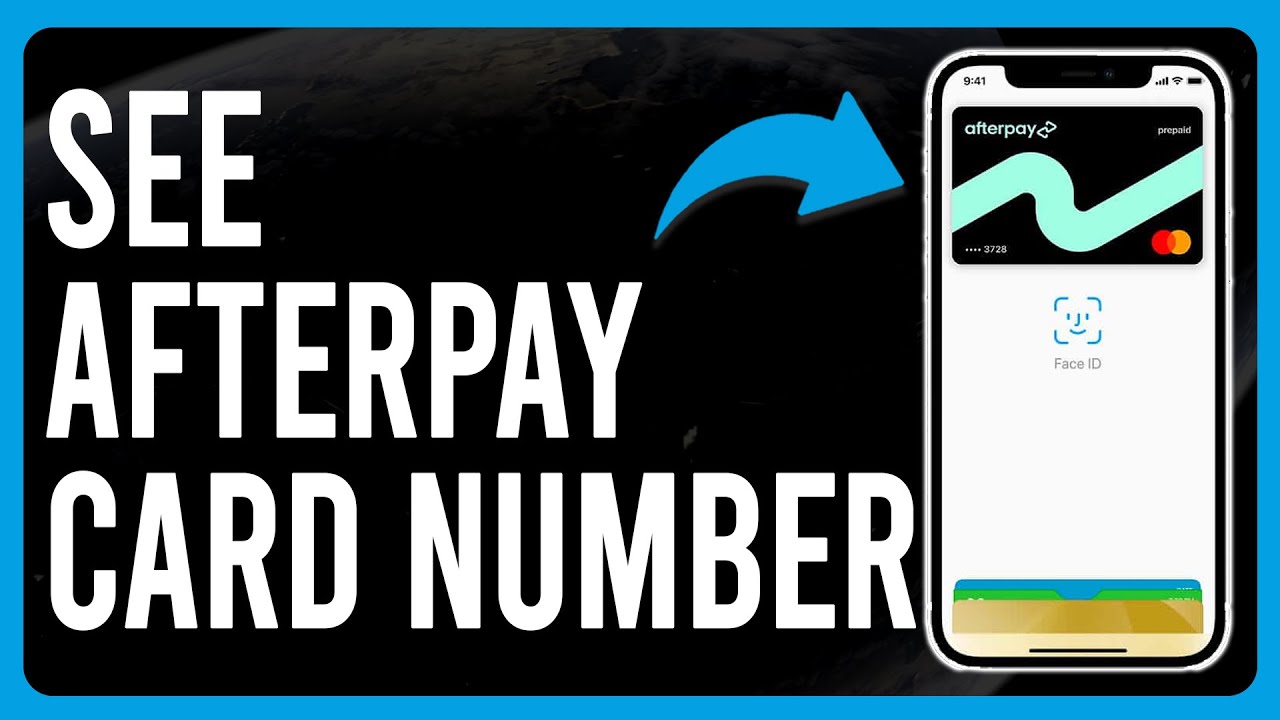
Unlike traditional payment cards, the Afterpay virtual card number is not normally visible to users. The Afterpay virtual card number is generally hidden for security purposes. Eligible users can view limited card information, while the full number is protected through secure payment tokenisation.
Why the full card number isn’t displayed
The card uses payment tokenisation to improve security and reduce fraud. As a result, you may only see limited information, such as the last four digits, while the complete card details remain protected.
What you can view
- Last four digits
- Card status
- Spending availability
- Linked digital wallet
- Payment activity

Perfect Card for running ads!
Can I Use Afterpay Virtual Card Anywhere
No. Although the card is convenient, it cannot be used everywhere.
Where you can use it
- Participating retailers
- Supported online stores
- Physical stores that accept supported digital wallets
Where it may not work
- Merchants that don’t support Afterpay
- Unsupported countries or regions
- Businesses with payment restrictions
PRO TIP
Knowing these limitations helps prevent declined transactions and improves the checkout experience.
Does Afterpay Offer a Virtual Card?
Yes. Afterpay does offer a virtual card for eligible customers in supported markets.
NOTE
However, availability depends on several factors.
Eligibility requirements
- Eligible Afterpay account
- Identity verification
- Supported country
- Compatible mobile device
- Apple Pay or Google Wallet support
Common troubleshooting
If you cannot access the card:
- Update the app.
- Complete account verification.
- Check regional availability.
- Contact Afterpay Support if the feature is still unavailable.
Why Secure Virtual Cards Matter – How to view virtual Afterpay card
Virtual cards reduce fraud risks because merchants never receive your actual payment credentials. Tokenised transactions also help protect your financial information if a retailer experiences a data breach.
This security benefit is one of the biggest differences between virtual cards and traditional payment cards.
How Bycard helps you manage secure virtual payments
If you’re looking beyond Buy Now, Pay Later services, Bycard provides virtual card solutions designed for secure online spending and payment management.
Bycard also offers helpful educational resources on virtual cards, digital payments, budgeting, and secure spending practices, making it easier to understand how virtual payment technology works alongside services like Afterpay.
Conclusion
Learning how to view virtual Afterpay card is straightforward once your account is eligible. While you won’t usually see the full Afterpay virtual card number, you can access your virtual card through the Afterpay app and use it with supported digital wallets. Understanding eligibility, security features, and supported merchants will help you make the most of your virtual payment experience.

CATEGORIES

轻松完成账单支付的 Google Ads 支付方式指南现已上线
Wise vs Revolut? Comparing the Best Multi-Currency Card 2026

Wise Alternatives That Make Payment Faster and Currency Conversion Simple
Wire Transfer vs Bank Transfer – Swift Business Payments Now

Why Virtual Cards Matter in Digital Payments Now

Why Travel Rewards Credit Cards are Highly Important
