
 Log in
Google Ads Virtual Card: The Complete Guide to Secure Advertising Payments and Scalable Campaign Management
Managing advertising budgets efficiently is critical for businesses, agencies, and media buyers running campaigns on Google Ads. As advertising costs continue to rise, many advertisers are turning to a Google Ads virtual card to improve payment security, streamline budget allocation, prevent billing issues, and scale campaigns more effectively.
Whether you are an individual advertiser, an agency managing multiple client accounts, or an enterprise handling significant ad spend, understanding how virtual cards work within Google Ads can help improve payment success rates and campaign stability.
In this article
- Google Ads Virtual Card: The Complete Guide to Secure Advertising Payments and Scalable Campaign Management
- What Is a Google Ads Virtual Card?
- Why Advertisers Are Switching to Google Ads Virtual Cards
- Google Ads Payment Card – What Is a Google Ads Payment Card?
- Google Ads Billing Card
- Best Credit Card for Google Ads
- Adding Virtual Card to Google Pay
- How Virtual Cards Help Prevent Google Ads Payment Issues
- Why Bycard Is Built for Google Ads Advertisers
What Is a Google Ads Virtual Card?
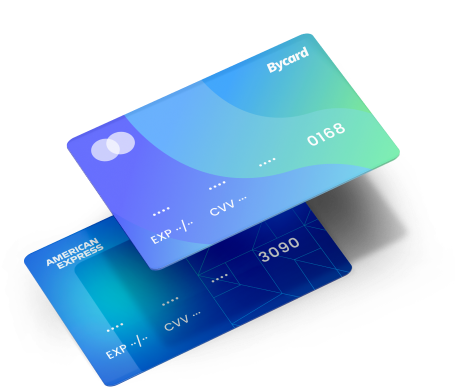
A Google Ads virtual card is a digital payment card that can be used to fund Google Ads campaigns. It functions like a traditional payment card but offers enhanced security, spending controls, account separation, and improved budget management for advertisers.

Perfect Card for running ads!
Why Advertisers Are Switching to Google Ads Virtual Cards
Traditional payment methods often create challenges when managing multiple campaigns, teams, and advertising accounts. Virtual cards provide advertisers with greater flexibility and control.
Better Budget Control
Advertisers can assign dedicated cards to specific campaigns, departments, or clients.
Enhanced Payment Security
Virtual cards reduce exposure to fraud by limiting the use of primary business payment methods.
Simplified Campaign Tracking
Separate cards make it easier to monitor campaign-level spending and return on investment.
Improved Agency Operations
Marketing agencies can allocate individual cards to each client account for clearer reporting and expense management.
Common Google Ads Billing Problems Advertisers Face
Many advertisers encounter payment-related issues that can disrupt campaign performance and cause account suspensions.
Card Declines
Google Ads may reject payments due to insufficient funds, issuer restrictions, or billing mismatches.
Payment Verification Challenges
Verification requirements may prevent campaigns from running until payment methods are validated.
Suspicious Payment Activity
Unusual spending patterns can trigger automated payment reviews.
Billing Threshold Complications
Many advertisers struggle to understand how Google Ads billing thresholds impact account charges.
NOTE
One frequently overlooked factor is that billing thresholds can increase automatically as ad spend grows. Advertisers should proactively manage available funds and payment limits to avoid unexpected disruptions.
Google Ads Payment Card – What Is a Google Ads Payment Card?
A Google Ads payment card is a payment method linked to a Google Ads account that allows advertisers to pay for advertising costs while maintaining account compliance and billing continuity.
Selecting the right Google Ads payment card directly impacts payment approval rates, spending flexibility, and campaign scalability.
What Makes a Good Google Ads Payment Card?
An effective payment card should offer:
- High payment acceptance rates
- Flexible spending controls
- Reliable funding options
- Strong fraud protection
- Multi-user management capabilities
How Google Evaluates Payment Methods
Google Ads considers several factors when processing payments:
Billing Information Accuracy
The cardholder information should match account billing details.
Card Network Compatibility
The payment card must be supported by Google Ads billing systems.
Payment History
Established payment records can improve transaction reliability.
Card Network Compatibility
The payment card must be supported by Google Ads billing systems.
Google Ads Billing Card
A dedicated Google Ads billing card helps advertisers separate advertising expenses from operational spending.
Why Use a Dedicated Google Ads Billing Card?
Using a dedicated card provides:
- Better financial reporting
- Simplified accounting processes
- Improved campaign tracking
- Reduced operational risk
How to Avoid Google Ads Billing Card Rejections?
Keep Billing Information Consistent
Ensure account details align with card records.
Monitor Available Funds
Maintain sufficient balances to avoid campaign interruptions.
Review Spending Limits Regularly
Adjust limits as campaigns scale.
Best Credit Card for Google Ads
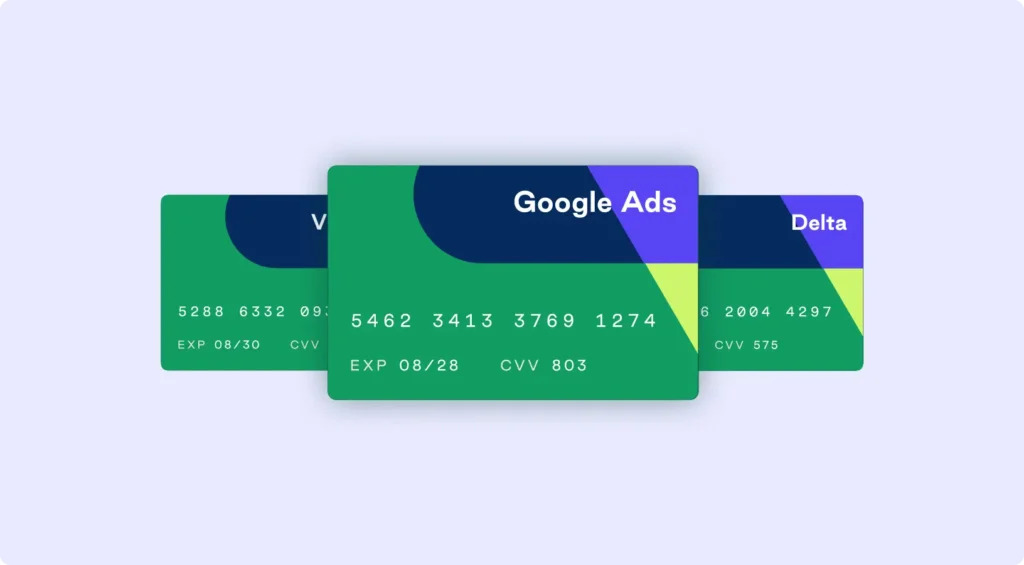
The best credit card for Google Ads is one that offers strong payment acceptance, spending controls, enhanced security, reliable funding, and the flexibility needed to manage advertising budgets efficiently.
Choosing the best credit card for Google Ads depends on your advertising objectives, spending volume, and operational requirements.
Key Features of the Best Credit Card for Google Ads
Advertisers should prioritise:
- High transaction approval rates
- Flexible spending controls
- Security features
- Multi-account management
- Real-time spending visibility
Comparing Traditional Cards and Virtual Cards
| Feature | Traditional Card | Virtual |
| Security | Standard | Enhanced |
| Budget Controls | Limited | Advanced |
| Campaign Separation | Difficult | Easy |
| Account Scaling | Moderate | High |
| Expense Tracking | Basic | Detailed |
PRO TIP
Experienced media buyers often utilise multiple virtual cards to isolate campaigns, reduce risk exposure, and simplify financial reporting.
Adding Virtual Card to Google Pay
Adding virtual card to Google Pay involves linking a digital payment card to your Google Pay account, verifying ownership, and using it for approved transactions and payment management activities.
Many advertisers use Google Pay as part of their payment management workflow.
How Adding Virtual Card to Google Pay Works
The process generally involves:
- Accessing Google Pay settings
- Adding payment information
- Completing verification requirements
- Confirming card activation
Benefits of Adding Virtual Card to Google Pay
Faster Payment Management
Centralised access to payment methods.
Improved Security Controls
Virtual cards add an additional layer of protection.
Easier Expense Tracking
Businesses can monitor advertising payments more effectively.
Common Issues When Adding Virtual Card to Google Pay
Verification Delays
Verification requirements may vary based on the issuing provider.
How Virtual Cards Help Prevent Google Ads Payment Issues
Virtual cards address many of the challenges advertisers encounter with traditional payment methods.
Reduced Fraud Exposure
Unique card numbers help minimise unauthorised usage.
Better Spending Control
Advertisers can establish spending limits for campaigns and teams.
Easier Account Segmentation
Separate cards can be assigned to individual campaigns or clients.
Strong Security Standards
Advanced fraud prevention measures improve account protection.
Best Features to Look for in a Google Ads Virtual Card
Spending Controls
Custom spending limits help prevent budget overruns.
Multi-Card Management
Advertisers should be able to generate multiple cards as needed.
Real-Time Reporting
Access to detailed spending insights supports optimization efforts.
Reliable Funding Infrastructure
Stable funding methods reduce campaign disruptions.
Reliable Funding Infrastructure
Stable funding methods reduce campaign disruptions.
Why Bycard Is Built for Google Ads Advertisers
Bycard helps advertisers simplify payment management while supporting campaign scalability and operational efficiency.
Flexible Card Management
Advertisers can create and manage cards based on campaign requirements.
Enhanced Spending Controls
Teams gain greater visibility into advertising budgets.
Improved Security
Virtual card technology helps reduce payment-related risks.
Support for Growing Advertising Operations
Businesses can scale campaigns without relying solely on traditional payment methods.
Conclusion
A Google Ads virtual card can provide advertisers with improved security, spending controls, campaign segmentation, and billing efficiency. As advertising operations become increasingly complex, virtual cards offer a scalable solution for businesses, agencies, and media buyers seeking greater control over their payment infrastructure.
By understanding payment verification requirements, billing card best practices, Google Pay integrations, and scalable payment strategies, advertisers can reduce disruptions and maintain consistent campaign performance.

CATEGORIES

轻松完成账单支付的 Google Ads 支付方式指南现已上线
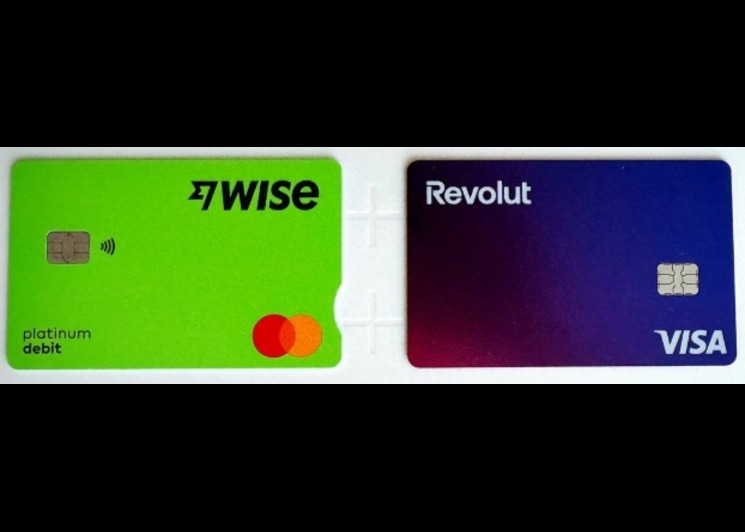
Wise vs Revolut? Comparing the Best Multi-Currency Card 2026
Wise Alternatives That Make Payment Faster and Currency Conversion Simple

Wire Transfer vs Bank Transfer – Swift Business Payments Now

Why Virtual Cards Matter in Digital Payments Now

Why Travel Rewards Credit Cards are Highly Important
