
 Log in
Virtual ATM Card: Everything You Need to Know About Using Digital Cards for Payments and ATM Access
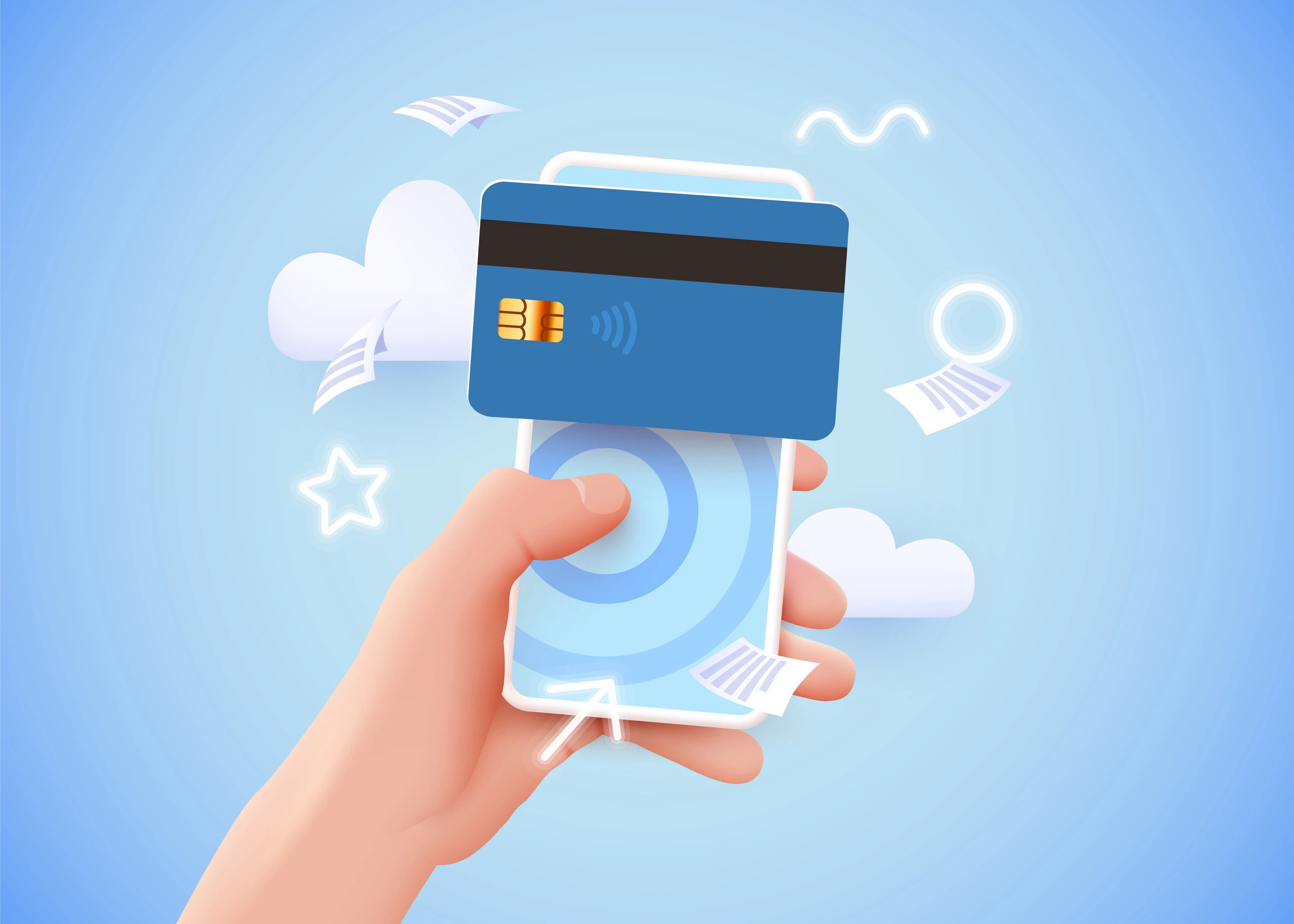
A Virtual ATM card is a digital payment card that allows you to make secure online purchases, pay for subscriptions, and, in some cases, access cash through compatible ATMs or mobile wallet-enabled ATM services. While most virtual cards are designed for online transactions, some issuers support ATM withdrawals when linked to digital wallets or companion physical cards.
What Is a Virtual ATM Card?
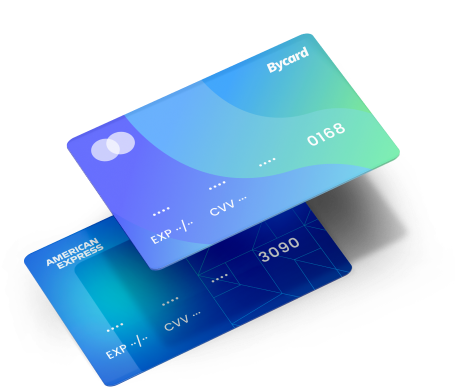
A Virtual ATM card is a digital version of a debit or prepaid card that includes a card number, expiration date, and CVV for secure online payments. Unlike traditional cards, it can be issued instantly and managed entirely from your device.
Key Features of a Virtual ATM Card
- Instant card issuance
- Secure online payments
- Contactless wallet support
- Temporary card freezing
- Spending controls
- Global payment acceptance
Common Uses
- Online shopping
- Subscription services
- Travel bookings
- Cross-border payments
- Business expenses
Virtual Card Free
Many providers offer a Virtual card free as part of a basic account, while premium plans may include higher spending limits, additional security controls, or multi-currency support.
What to Check Before Choosing a Free Virtual Card
- Transaction fees
- Monthly limits
- Supported countries
- Currency support
- ATM compatibility

Perfect Card for running ads!
Can I Use My Virtual Card At ATM
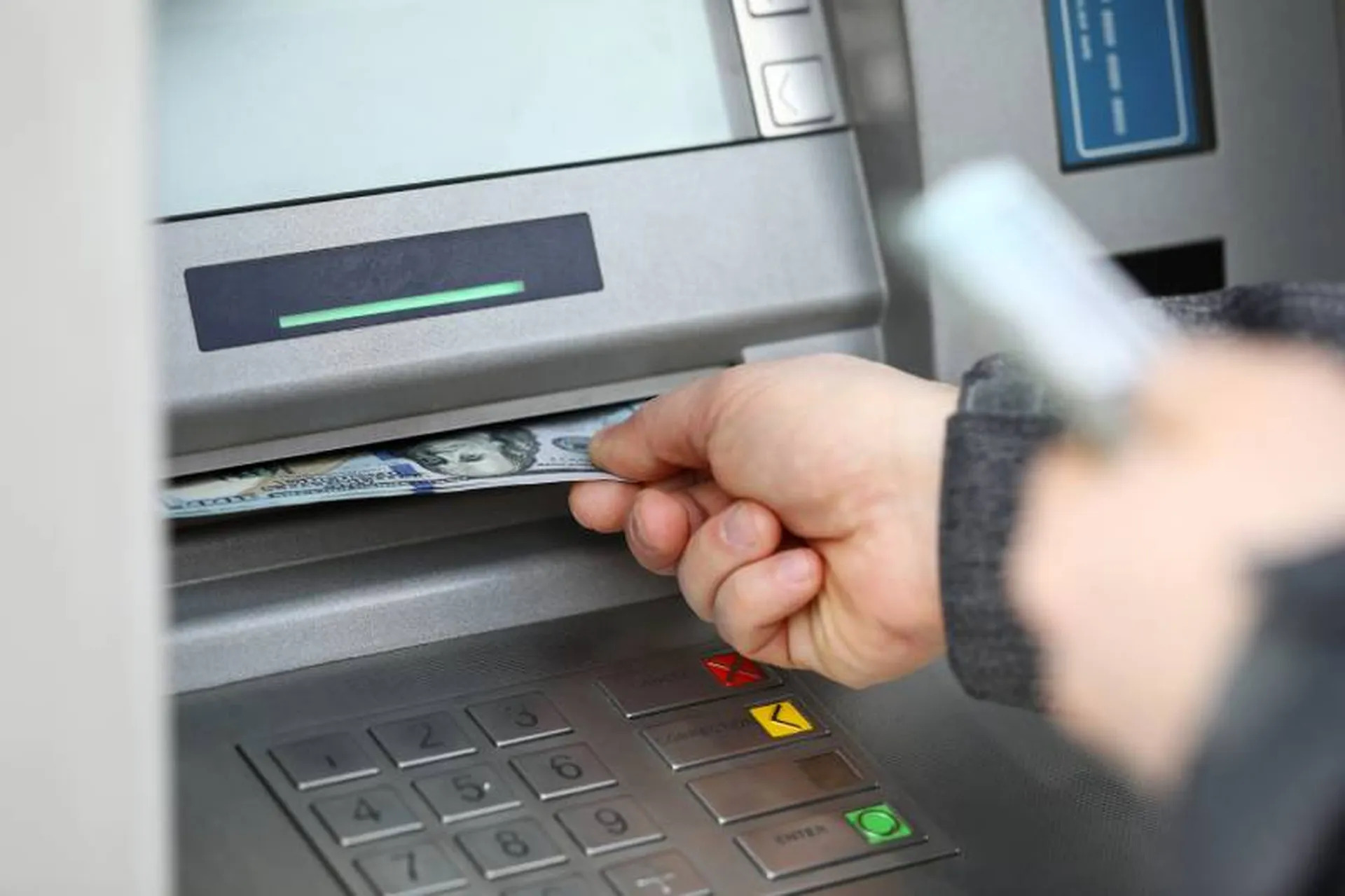
The answer depends on your card provider.
Some virtual cards can be used at ATMs if they support:
Mobile Wallet ATM Withdrawals
- Apple Pay
- Google Pay
- NFC-enabled ATMs
Linked Physical Cards
Some providers issue a companion physical card connected to the same account, allowing standard ATM withdrawals.
NOTE
Not all ATMs accept virtual-only cards. Always confirm whether your provider supports cardless ATM withdrawals before attempting a transaction.
Virtual Card ATMs Near Me
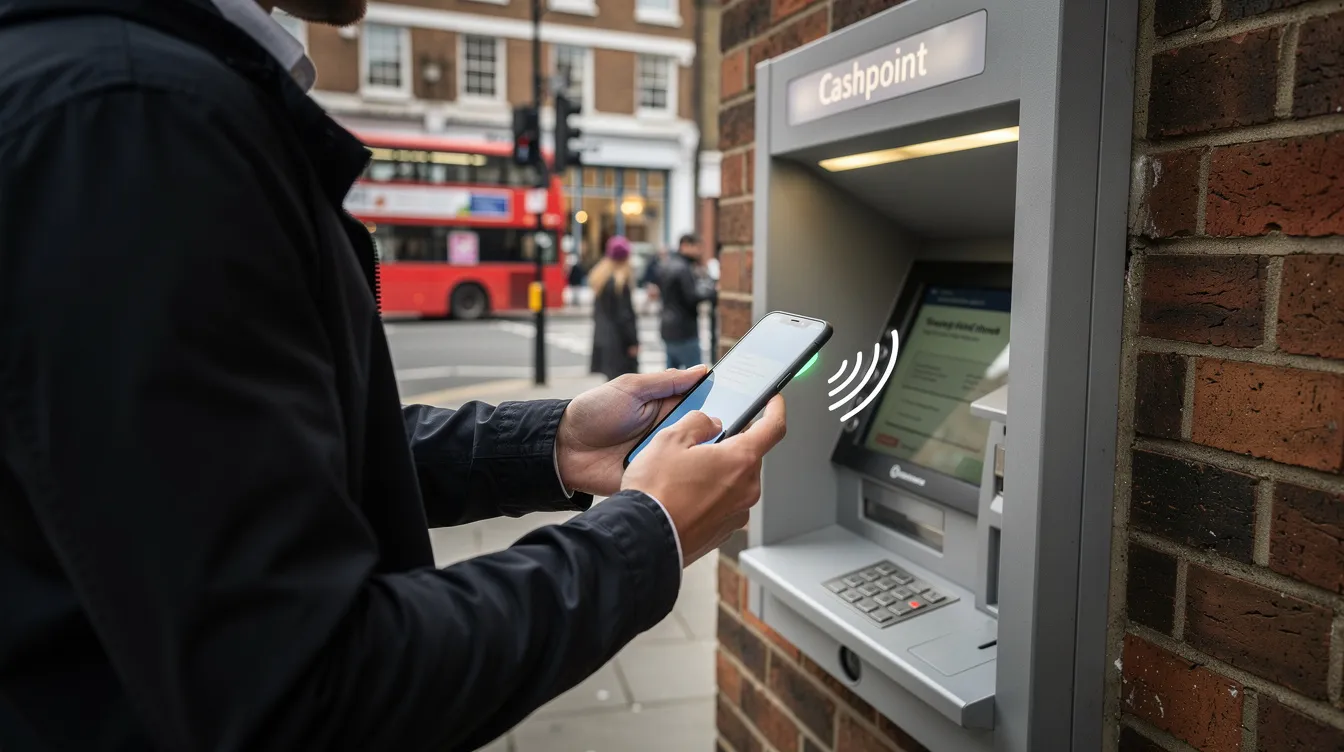
Finding compatible ATMs depends on your provider’s supported network.
How to Find Compatible ATMs
- Search your card issuer’s ATM locator.
- Use Visa or Mastercard ATM finders.
- Check whether the ATM supports contactless or cardless withdrawals.
- Verify withdrawal limits before visiting.
How To Use Virtual Card At ATM
Using a virtual card at an ATM varies by issuer.
Step-by-Step Guide
- Add your virtual card to your mobile wallet.
- Locate a compatible contactless ATM.
- Authenticate using your device.
- Select your account.
- Withdraw your preferred amount.
- Confirm the transaction.
Before You Withdraw
- Ensure your virtual card supports ATM access.
- Check your available balance.
- Confirm applicable withdrawal fees.
- Review daily withdrawal limits.
Benefits Of Choosing Bycard For a Virtual ATM Card
Bycard simplifies digital spending by providing fast access to virtual payment cards designed for secure online transactions and global payments.
Why Choose Bycard
- Instant virtual card creation
- Enhanced payment security
- Fast online checkout
- Easy card management
- International payment support
- Transparent account management
Security Tips for Using a Virtual ATM Card
PRO TIP
To make use of Virtual ATM cards securely? Then follow the steps below
- Enable two-factor authentication.
- Freeze your card when not in use.
- Use trusted Wi-Fi networks.
- Monitor transaction alerts.
- Update your app regularly.
Conclusion
A Virtual ATM card offers a fast, secure, and convenient way to manage digital payments while providing ATM access through supported providers and compatible withdrawal methods. Whether you’re shopping online, paying for subscriptions, or exploring cardless cash withdrawal options, understanding your card’s features and limitations is essential. By choosing a trusted provider like Bycard and following best security practices, you can enjoy a seamless payment experience with greater flexibility and control over your finances.

CATEGORIES

轻松完成账单支付的 Google Ads 支付方式指南现已上线
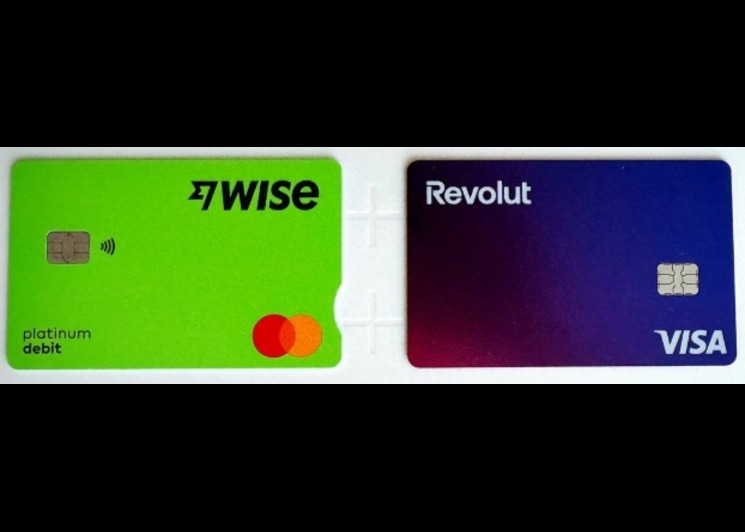
Wise vs Revolut? Comparing the Best Multi-Currency Card 2026

Wise Alternatives That Make Payment Faster and Currency Conversion Simple
Wire Transfer vs Bank Transfer – Swift Business Payments Now

Why Virtual Cards Matter in Digital Payments Now

Why Travel Rewards Credit Cards are Highly Important
