
 Log in
Facebook Ad account: Complete Guide to Setup, Billing, Payment Methods, and Virtual Cards

Managing a Facebook Ad account effectively is one of the most important factors for businesses, agencies, ecommerce brands, and media buyers that rely on paid social campaigns. Whether you are launching your first campaign or managing multiple business portfolios, understanding account setup, billing structures, payment systems, and virtual card solutions can significantly improve campaign performance and reduce disruptions.
This guide explains everything you need to know about creating, managing, scaling, and securing your Facebook Ad account while integrating payment best practices and virtual card solutions for advertisers.
In this article
- Facebook Ad account: Complete Guide to Setup, Billing, Payment Methods, and Virtual Cards
- Facebook Ad account — Understanding Setup, Structure, and Management
- Facebook Ads payment method — Choosing the Right Payment System for Advertising Stability
- Facebook Ad account billing — Managing Spend, Invoices, and Budget Controls
- Virtual card for Facebook Ads — Why Advertisers Use Virtual Cards for Campaign Management
- Facebook Ads virtual card — Payment Flexibility for Modern Advertisers
Facebook Ad account — Understanding Setup, Structure, and Management
A Facebook Ad account acts as the central workspace where advertisers create campaigns, manage audiences, monitor spending, control permissions, and track performance metrics. Because advertising ecosystems have become increasingly complex, businesses require structured account management to reduce operational risks and improve efficiency.
What Is a Facebook Ad Account?
A Facebook Ad account is the advertising workspace used to create campaigns, manage billing, track performance, assign permissions, and control advertising assets.
A Facebook Ad account is the advertising environment used for:
- Campaign creation
- Budget management
- Audience targeting
- Billing control
- Pixel tracking
- Team permissions
- Performance measurement
PRO TIP
Furthermore, advertisers can connect multiple assets including pages, pixels, catalogs, and conversion APIs.
Why Businesses Need Proper Account Structure
Businesses often struggle because they:
- Mix personal and business assets
- Use poor permission structures
- Lack billing separation
- Fail to organize multiple brands
As a result, proper organisation improves scalability.
Business Manager and Ad Account Organisation
Single Brand Structure
Best for:
- Small businesses
- Local brands
- Individual advertisers
Multi-Brand Structure
Best for:
- Agencies
- Ecommerce operators
- International businesses
How do you create a Facebook Ad account?
Create a Facebook Ad account by opening Business Manager, adding business information, creating an ad account, assigning permissions, and adding payment methods.
- Create a business profile
- Open Business Settings
- Select Ad Accounts
- Add billing information
- Assign permissions
- Configure tracking
- Launch campaigns
Facebook Ads payment method — Choosing the Right Payment System for Advertising Stability
The best Facebook Ads payment method depends on campaign size and risk management needs. Businesses often prefer dedicated payment solutions because they reduce billing disruptions, simplify spend tracking, and improve account organisation.
Selecting the right Facebook Ads payment method directly impacts campaign continuity, spending control, and account stability. Many advertisers focus heavily on creatives and audience targeting while overlooking payment infrastructure. However, payment failures, card declines, and billing restrictions remain among the biggest causes of campaign interruptions.
Why Your Facebook Ads payment method Matters
Your payment method affects:
- Ad delivery continuity
- Spending limits
- Billing reliability
- Account trust signals
- Campaign scaling capabilities
- Multi-account management
NOTE
A poor payment setup may trigger payment verification issues, rejected transactions, or delayed campaign launches.
Common Facebook Ads payment method Options, Why do payment methods fail?
Payment methods fail because of insufficient funds, bank restrictions, expired cards, billing mismatches, or verification issues.
Credit and Debit Cards
Traditional cards remain widely used because they are easy to add and familiar to advertisers.
Benefits:
- Easy setup
- Broad acceptance
- Suitable for beginners
Limitations:
- Higher risk of payment failures
- Limited spend controls
- Shared company card risks
Bank Payments
Businesses with larger advertising budgets often connect banking solutions for stability.
Benefits:
- Supports larger spending
- Lower interruption risks
- Better for scaling
Digital Payment Systems
These systems help businesses automate payment tracking and simplify accounting workflows.
Best Practices for Facebook Ads payment method Setup
- Use dedicated advertising cards
- Maintain backup payment methods
- Separate client spending accounts
- Review transaction history regularly
- Monitor failed charges quickly
- Enable spending alerts

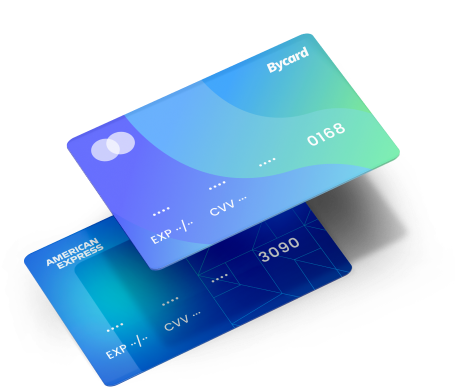
Perfect Card for running ads!
Facebook Ad account billing — Managing Spend, Invoices, and Budget Controls
The Facebook Ad account billing works through automated or manual payment systems that charge advertisers according to spending thresholds, campaign activity, and billing schedules.
Understanding Facebook Ad account billing helps advertisers maintain account health while improving financial visibility across campaigns.
Billing systems determine:
- When charges occur
- Spending thresholds
- Payment schedules
- Invoice generation
- Spending caps
How Facebook Ad account billing Works
Billing usually follows one of two structures:
Automatic Billing
Charges occur after:
- Billing thresholds are reached
- Monthly invoice cycles close
Advantages:
- Automated processing
- Better scaling support
- Less manual work
Manual Billing
Advertisers pre-fund accounts before campaigns run.
Advantages:
- Better budget control
- Useful for smaller businesses
- Easier spend forecasting
Common Facebook Ad account billing Problems
Advertisers frequently encounter:
- Billing threshold delays
- Payment verification errors
- Rejected transactions
- Invoice confusion
- Currency mismatches
Billing Optimisation Strategies
Use these approaches:
- Monitor spending thresholds
- Create backup payment methods
- Separate campaign budgets
- Track billing cycles weekly
- Assign finance team permissions
Virtual card for Facebook Ads — Why Advertisers Use Virtual Cards for Campaign Management
A Virtual card for Facebook Ads helps advertisers manage spending, organize payments, reduce failed transactions, and simplify campaign budgeting.
Using a Virtual card for Facebook Ads has become increasingly popular among agencies, ecommerce brands, affiliate marketers, and international advertisers.
Virtual payment solutions create dedicated spending environments that improve financial organization and reduce payment risks.
Why Advertisers Use a Virtual card for Facebook Ads
Primary benefits include:
- Spend control
- Improved budgeting
- Easier client separation
- Lower payment failure risks
- Better account organisation
Who Benefits Most?
Agencies
Agencies managing multiple clients require better payment segmentation.
Ecommerce Brands
Large advertising budgets benefit from spend tracking.
Multi-Account Advertisers
Businesses running multiple accounts often require dedicated payment systems.
Best Practices
- Assign one card per account
- Separate campaign budgets
- Monitor spending limits
- Create emergency backup cards
Facebook Ads virtual card — Payment Flexibility for Modern Advertisers
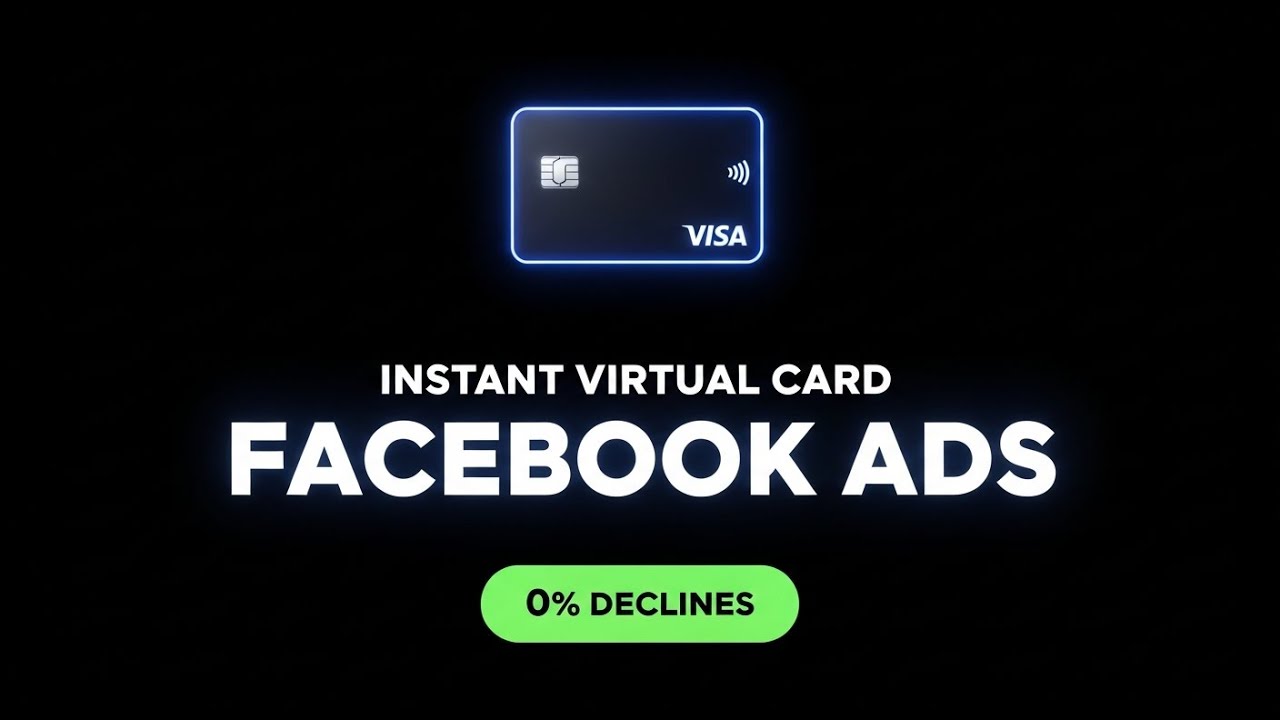
A Facebook Ads virtual card solution can improve billing reliability while creating cleaner advertising operations.
Businesses increasingly adopt these solutions because advertising ecosystems are becoming more complex.
Benefits of Using Facebook Ads virtual card Solutions
Key advantages:
- Better payment reliability
- Reduced failed charges
- Faster scaling
- Improved account separation
- Better financial visibility
Challenges Without Proper Card Management
Advertisers often experience:
- Spending confusion
- Shared payment risks
- Higher billing errors
- Client accounting issues
Scaling With Facebook Ads virtual card Solutions
For scaling campaigns:
Use Spending Rules
Create budget protections.
Separate Teams
Assign dedicated payment access.
Maintain Backup Infrastructure
Reduce interruption risks.
Why Bycard Fits Into Facebook Advertising Workflows
Many advertisers focus exclusively on campaign optimisation while ignoring financial infrastructure. However, payment systems influence campaign continuity.
Bycard can fit into advertiser workflows by helping businesses organise payment operations more effectively.
How Bycard Supports Advertisers
- Payment organization
- Spend tracking
- Better account segmentation
- Budget allocation support
- Multi-account workflows
Conclusion
Managing a facebook ad account effectively requires more than simply launching campaigns,it involves structured billing, reliable payment systems, organised account management, and scalable financial workflows. As advertising competition continues to grow, businesses that optimise their facebook ads payment method, improve facebook ad account billing, and adopt flexible solutions like a virtual card for facebook ads position themselves for more stable campaign performance and long-term growth. Ultimately, combining strong account management practices with smarter payment infrastructure helps advertisers reduce friction, maintain campaign continuity, and scale more efficiently.

CATEGORIES
轻松完成账单支付的 Google Ads 支付方式指南现已上线
Wise vs Revolut? Comparing the Best Multi-Currency Card 2026
Wise Alternatives That Make Payment Faster and Currency Conversion Simple

Wire Transfer vs Bank Transfer – Swift Business Payments Now

Why Virtual Cards Matter in Digital Payments Now

Why Travel Rewards Credit Cards are Highly Important
