
 Log in
Bing Ads and Bycard: The Smarter Way to Run and Manage Campaigns
Running digital ads can be demanding. You have campaigns running across multiple platforms, budgets to control, and payments that never stop rolling in. Among the big players, Bing Ads (now Microsoft Advertising) deserves attention. It powers ad placements across Bing, Snapchat, Microsoft, and other platform sites, reaching more than a third of desktop searches in the U.S.
But here’s the catch: while Bing Ads offers strong reach and lower competition than Google, managing payments across campaigns is a headache. Advertisers deal with failed transactions, reconciliation mess, and even overspending without notice. That’s where Bycard, a virtual card platform designed for advertisers, fits in.
With Bycard, you run campaigns on Bing Ads confidently. You control budgets, issue cards instantly, and track spend down to the last click.
- Bing Ads and Bycard: The Smarter Way to Run and Manage Campaigns
- What Are Bing Ads?
- How to Set Up a Bing Ads Campaign
- Step 1: Create a Microsoft Advertising Account
- Step 2: Conduct Bing Ads Keyword Research
- Step 3: Structure Your Bing Ads Campaigns Properly
- Step 4: Configure Bing Ads Targeting
- Step 5: Set Your Bing Ads Budget and Bidding Strategy
- Step 6: Install Bing Ads Conversion Tracking
- Step 7: Optimize Your Bing Ads Campaigns
- Challenges in Managing Ad Spend
- What Is Bycard?
- How to Set Up and Run Bing Ads with Bycard
- Bing Ads vs Google Ads Comparison Table
- When Bing Ads Performs Better Than Google Ads
- Frequently Asked Questions
- Can I use multiple Bycard for Bing Ads?
- Is it secure to pay for Bing Ads with Bycard?
- How fast can I get a card for Bing Ads?
- Can Bycard be used for other platforms too?
- Does Bycard help track ad ROI?
- Can I use Bycard for ads on Facebook or TikTok?
- What are Bing Ads?
- Is Bing Ads cheaper than Google Ads?
- Is Bing Ads good for B2B marketing?
- Can I import campaigns from Google Ads to Bing Ads?
- Why do advertisers use virtual cards for Bing Ads?
What Are Bing Ads?
Bing Ads, now called Microsoft Advertising, is Microsoft’s paid advertising platform that allows businesses to display ads across Bing search results and partner networks.
Advertisers can choose from campaign formats such as:
- Search ads: Text-based ads in search results.
- Shopping campaigns: Product listings with images and prices.
- Audience campaigns: Native display placements across MSN, Outlook, and other properties.
For marketers, the value is clear: lower CPC compared to Google Ads, higher purchase intent from users, and access to audiences not always reached on Google. But managing ad spend workflows for Bing Ads can be tricky. That’s where Bycard comes in
Why use virtual cards for Bing Ads?
Virtual cards help advertisers control budgets, reduce fraud risk, and manage multiple Bing Ads campaigns with separate payment methods.
How to Set Up a Bing Ads Campaign
Setting up a successful Bing Ads campaign requires more than simply launching ads. Advertisers need the right campaign structure, keyword targeting strategy, bidding setup, audience segmentation, and budget management process to compete effectively on Microsoft Advertising.
Step 1: Create a Microsoft Advertising Account
To start using Bing Ads, create an account on Microsoft Advertising and connect your business information, billing method, and conversion tracking settings.
During setup, advertisers can:
- Import campaigns directly from Google Ads
- Create campaigns manually
- Configure audience targeting
- Set campaign goals
- Define geographic targeting
For agencies and media buyers managing multiple accounts, using dedicated payment methods and virtual cards can help organize ad spend and reduce billing issues across campaigns.
Step 2: Conduct Bing Ads Keyword Research
Keyword research is the foundation of every profitable PPC campaign. Bing Ads campaigns perform best when keywords are grouped by:
- Search intent
- Product category
- Audience type
- Funnel stage
Example Keyword Categories
| Keyword Type | Example |
|---|---|
| Commercial | buy CRM software |
| Informational | what is CRM software |
| Transactional | CRM software pricing |
| Branded | HubSpot CRM |
Advertisers should prioritize:
- Exact match keywords for high-intent traffic
- Phrase match keywords for scalable reach
- Negative keywords to reduce wasted spend
Step 3: Structure Your Bing Ads Campaigns Properly
Campaign structure impacts:
- Quality Score
- CPC
- Click-through rate
- Conversion rate
A recommended Bing Ads structure includes:
- One campaign per product/service category
- Multiple tightly themed ad groups
- Dedicated landing pages for each intent cluster
Recommended Structure Example
| Campaign | Ad Group | Landing Page |
|---|---|---|
| CRM Software | Sales CRM | /sales-crm |
| CRM Software | Marketing CRM | /marketing-crm |
| CRM Software | CRM Pricing | /pricing |
This structure improves keyword relevance and increases ad performance.
Step 4: Configure Bing Ads Targeting
Microsoft Advertising provides advanced audience targeting capabilities including:
- Device targeting
- Location targeting
- Demographic targeting
- LinkedIn profile targeting
- Time scheduling
LinkedIn targeting is one of Bing Ads’ strongest competitive advantages because advertisers can target users based on:
- Industry
- Company
- Job function
This makes Bing Ads especially effective for B2B advertising campaigns.
Step 5: Set Your Bing Ads Budget and Bidding Strategy
Choosing the right bidding strategy is essential for maximizing ROI.
Common Bing Ads Bidding Strategies
| Bidding Strategy | Best Use Case |
|---|---|
| Manual CPC | Full bid control |
| Enhanced CPC | Semi-automated optimization |
| Maximize Clicks | Traffic generation |
| Target CPA | Lead generation |
| ROAS Bidding | Ecommerce campaigns |
For media buyers managing large-scale ad budgets, separating campaigns using virtual cards can improve:
- Spend tracking
- Budget allocation
- Billing stability
- Fraud prevention
Step 6: Install Bing Ads Conversion Tracking
Without conversion tracking, advertisers cannot accurately measure campaign performance.
Microsoft Advertising uses:
- UET Tags (Universal Event Tracking)
- Conversion goals
- Audience remarketing lists
Tracking helps advertisers monitor:
- Leads
- Purchases
- Form submissions
- Phone calls
- Revenue
Proper conversion tracking also improves automated bidding performance over time.
Step 7: Optimize Your Bing Ads Campaigns
Successful Bing Ads campaigns require ongoing optimization.
Key Optimization Areas
| Optimization Area | Goal |
|---|---|
| CTR improvement | Increase engagement |
| CPC reduction | Lower acquisition costs |
| Search term analysis | Remove wasted spend |
| Ad copy testing | Improve conversions |
| Landing page optimization | Increase ROI |
Top-performing advertisers review campaign data weekly to identify:
- High-converting keywords
- Negative keyword opportunities
- Audience performance trends
- Budget inefficiencies
Challenges in Managing Ad Spend
With features like instant card issuance, per-card limits, and real-time logs, advertisers gain the control traditional bank cards don’t offer. Bycard helps ease these pain points. Running Bing Ads campaigns brings specific challenges:
- Complex CPC pricing: Costs vary widely, and campaigns can overshoot budget if not closely monitored.
- Reconciliation headaches: Multiple campaigns billed to one card create confusing statements. Finance teams struggle to match spend to campaigns.
- Overspending risks: Without controls, advertisers run the risk of unauthorized or runaway charges.
What Is Bycard?
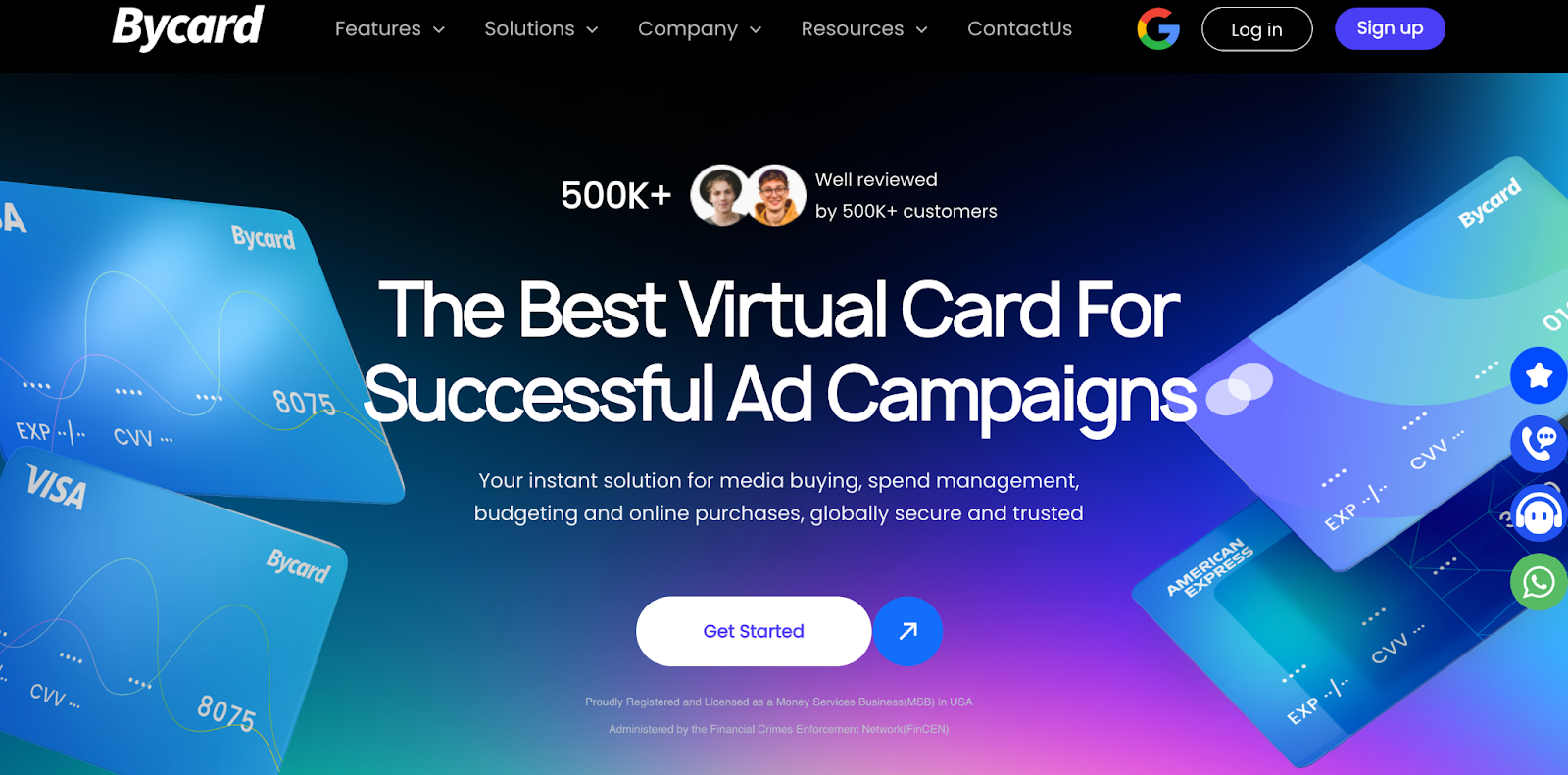
Bycard is a fintech solution providing virtual credit cards tailored for advertisers and individuals. It’s not just a payment tool, but a regulated platform. Bycard also means speed, security, and clear visibility, three things every Bing Ads campaign needs.
Key traits include:
- Instant issuance: Create new cards in minutes.
- Security-first design: Cards hide your main account details.
- Audit trails: Every transaction is logged at card-level for finance teams.

Perfect Card for running ads!
Why Use Bycard for Bing Ads?
Advertisers no longer worry about one card covering everything. Instead, Bycard makes Bing Ads spending simple, transparent, and safer. Managing Bing Ads spend with Bycard brings tangible benefits:
- Budget control: Set per-card spending caps for each campaign or ad group.
- Multi-card flexibility: Issue unique cards for different clients or campaigns.
- Fraud protection: Limit cards to single vendors, reducing exposure in case of breaches.
How to Set Up and Run Bing Ads with Bycard
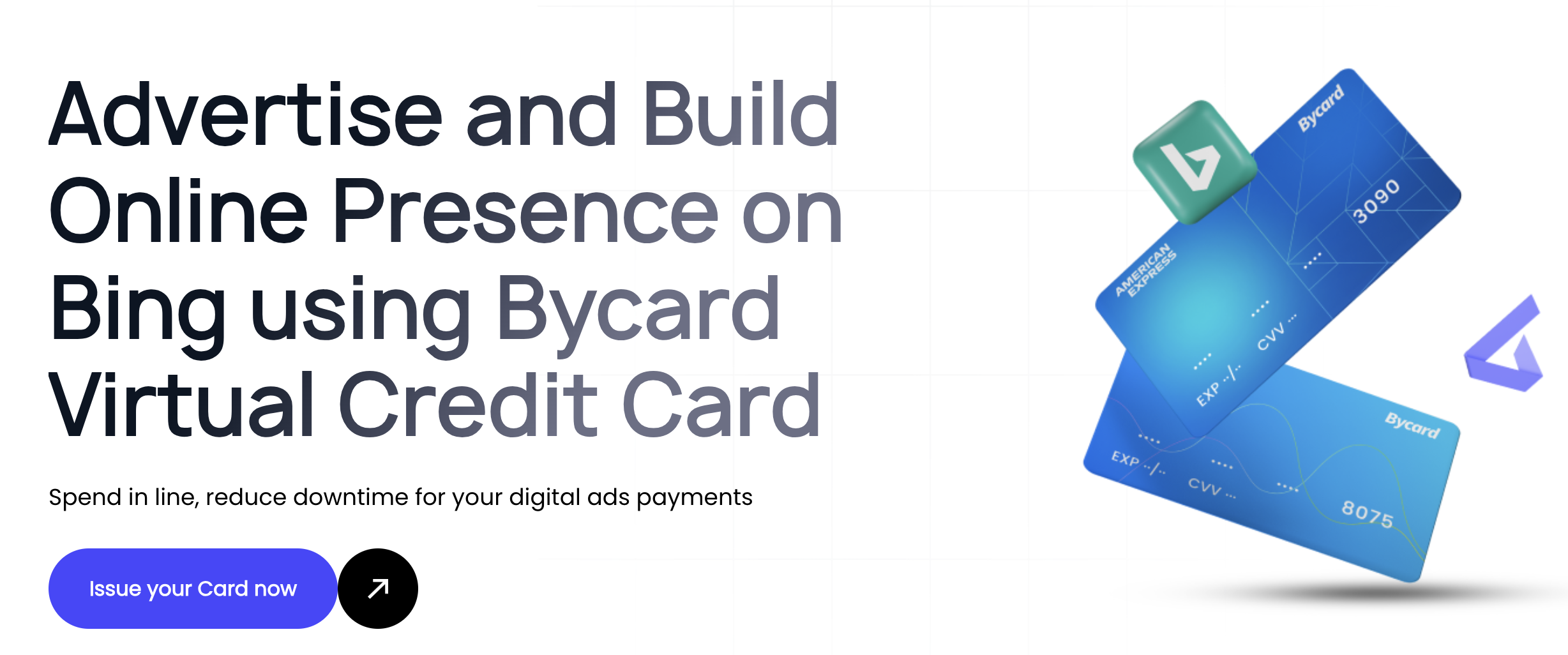
Bycard isn’t just for Bing Ads, it works across Google, TikTok, Facebook, and Taboola. That makes it the smarter billing tool for advertisers managing multiple channels. This workflow prevents overspending, improves tracking, and keeps reconciliation effortless. Here’s how to integrate Bycard into your Bing Ads workflow:
1. Register on Bycard and create your account.
2.Issue a new virtual card in the dashboard: set a budget cap.
3.Add the card to your Bing Ads billing section.
4.Run campaigns knowing each one has its own payment source.
5.Monitor spending with real-time reports inside Bycard.
Performance & ROI Tips
Optimizing Bing Ads campaigns is more than just setting budgets. It enhances ROI by providing clean spend visibility. When you know exactly what each campaign costs, adjusting budgets becomes easier and faster.
Smart advertisers track metrics like CTR, CPC, and conversions. A few quick tips:
- Use ad extensions for higher click-through rates.
- Optimize keywords and negative lists to reduce wasted spend.
- Import Google Ads campaigns, but fine-tune for Bing’s unique audience
Perfect Card for running ads!
Bing Ads vs Google Ads Comparison Table
Many advertisers compare Bing Ads and Google Ads before deciding where to allocate advertising budgets. While Google Ads dominates overall market share, Bing Ads often delivers lower CPCs and stronger B2B targeting opportunities.
| Feature | Bing Ads (Microsoft Advertising) | Google Ads |
| Search Engine Reach | Bing, Yahoo, AOL | Google Search Network |
| Average CPC | Lower | Higher |
| Competition | Moderate | Very High |
| Audience Demographics | Older, higher-income users | Broad audience |
| LinkedIn Targeting | Yes | No |
| B2B Performance | Strong | Strong |
| Ecommerce Scale | Moderate | Very High |
| Search Volume | Lower | Highest globally |
| Import Campaigns | From Google Ads | Native only |
| Cost Efficiency | High | Moderate |
When Bing Ads Performs Better Than Google Ads
Bing Ads can outperform Google Ads in industries where:
- CPC competition is extremely high on Google
- B2B audiences are important
- Older demographics convert better
- Advertisers want lower acquisition costs
Conclusion
Bing Ads is an underrated powerhouse for reaching valuable search audiences. But like any platform, poor spend management can eat into ROI. That’s where Bycard comes in.
By combining instant issuance, per-card budget caps, and merchant-specific security, Bycard makes advertising spend smarter. Whether you’re running one campaign or dozens, you’ll never lose track of where your money goes.

CATEGORIES
轻松完成账单支付的 Google Ads 支付方式指南现已上线
Wise vs Revolut? Comparing the Best Multi-Currency Card 2026
Wise Alternatives That Make Payment Faster and Currency Conversion Simple
Wire Transfer vs Bank Transfer – Swift Business Payments Now

Why Virtual Cards Matter in Digital Payments Now

Why Travel Rewards Credit Cards are Highly Important
