
 Log in
Where to Recharge Coins on TikTok and Which Payment Methods Work Best
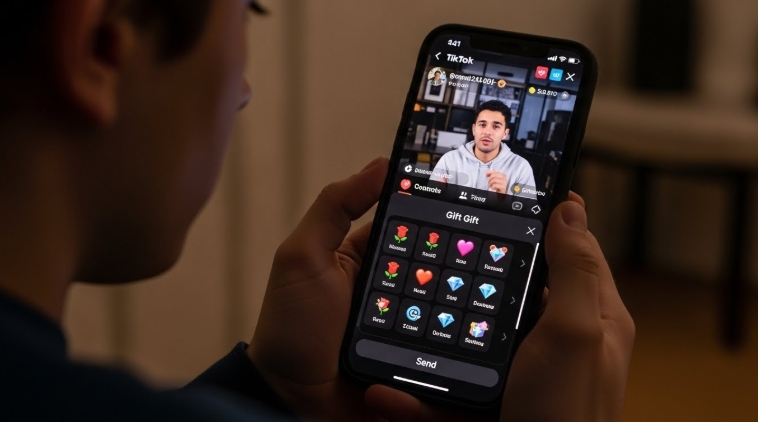
TikTok isn’t just a platform for viral videos; it’s a space where creators and fans connect in real time. One of the key ways to support your favorite creators is by sending gifts using Recharge Coins. Whether you’re a regular viewer or an active creator, knowing where to recharge coins and which payment methods work best can save you time, money, and frustration.
- Where to Recharge Coins on TikTok and Which Payment Methods Work Best
- Where to Recharge Coins on TikTok
- How Pricing Differs Between In-App and Web Recharge Coins
- Best Platforms to Recharge Coins on TikTok
- Which Payment Methods Work Best for Recharge Coins
- Using Bycard to Recharge Coins on TikTok
- Payment Methods Comparison for Recharge Coins
- Recharge Coins for Gifting and Creator Support
- What Not to Try When Recharging Coins
- Common Recharge Coins Issues and Fixes
- Best Way to Recharge Coins With Fewer Issues
Where to Recharge Coins on TikTok
TikTok offers only a few official ways to Recharge Coins, and choosing the right one matters.
Recharge Coins Inside the TikTok App
The most familiar option is recharging coins directly from the TikTok mobile app.
How it works
- Open TikTok and go to your profile
- Tap Settings → Balance
- Select Recharge
- Choose a coin bundle
- Pay using in-app payment options
What to know
- Prices are usually higher
- Payments go through Apple or Google billing
- Fewer payment customization options
This method is convenient but not ideal for users who recharge coins frequently.
Recharge Coins on TikTok’s Official Website
Many users don’t realize TikTok has a dedicated web portal to Recharge Coins, and it’s often the better choice.
How to recharge coins on the web
- Visit TikTok’s official coin recharge page
- Log into your TikTok account
- Select a coin package
- Complete payment using a supported method
Why users prefer this option
- Lower coin prices compared to in-app purchases
- Fewer payment failures
- More flexibility with cards and virtual payments
For most users, this is the most practical place to recharge coins.
How Pricing Differs Between In-App and Web Recharge Coins
One major gap in most articles is why Recharge Coins pricing changes depending on where you buy.
What affects pricing
- In-app purchases include Apple and Google service fees
- These fees can increase coin prices by a noticeable margin
- Web purchases avoid app store charges
If you recharge coins often, using TikTok’s web recharge can save money over time, even when buying the same coin bundle.
Best Platforms to Recharge Coins on TikTok
| Recharge Option | Pricing Level | Payment Reliability | Best For |
| TikTok App | Highest | Medium | Fast, one-time recharge |
| TikTok Web Recharge | Lower | High | Frequent recharges |
| TikTok Web + Bycard | Lower | Very High | Card issues, cross-border users |
This comparison helps users decide where to recharge coins at a glance.
Which Payment Methods Work Best for Recharge Coins
Not all payment methods perform equally when trying to Recharge Coins.
Debit and Credit Cards
- Widely supported
- Can fail due to bank restrictions
- Often blocked for international digital purchases
Apple Pay and Google Play
- Smooth checkout inside the app
- Higher prices
- No control over regional payment issues
Virtual Cards for Recharge Coins
Virtual cards are becoming the preferred option for users who experience failed payments.
Using Bycard to Recharge Coins on TikTok
Bycard offers virtual cards that work reliably for Recharge Coins, especially on TikTok’s web recharge platform.
Why users choose Bycard
- Virtual cards accepted for online payments
- Works smoothly on TikTok’s official web recharge
- Reduces card declines tied to location or bank policies
- Allows better control over spending limits
How to recharge coins using Bycard
- Create a virtual card on Bycard
- Go to TikTok’s official web recharge page
- Choose your coin bundle
- Pay using your Bycard virtual card
For users who’ve faced repeated payment errors, Bycard often turns a failed recharge into a successful one.
Payment Methods Comparison for Recharge Coins
| Payment Method | Works In-App | Works on Web | Common Issues |
| Debit/Credit Card | Yes | Yes | Bank declines |
| Apple Pay / Google Play | Yes | No | Higher pricing |
| Virtual Cards (Bycard) | No | Yes | Setup required, but stable |
This makes virtual cards especially useful when reliability matters.
Recharge Coins for Gifting and Creator Support
Recharge Coins aren’t just digital credits, they’re the backbone of TikTok’s gifting system.
- Users recharge coins to send virtual gifts
- Gifts convert into diamonds for creators
- Creators cash out diamonds based on TikTok’s rates
Understanding this cycle helps users plan how often to recharge coins, especially during live streams.
What Not to Try When Recharging Coins
There are shortcuts that simply don’t work and can cause account issues.
- Free coin generators: Scams that risk account security
- VPN pricing tricks: Violates TikTok’s terms
- Unauthorized sellers: Can lead to bans or lost funds
To keep your account safe, only recharge coins through TikTok’s official channels and trusted payment tools like Bycard.
Common Recharge Coins Issues and Fixes
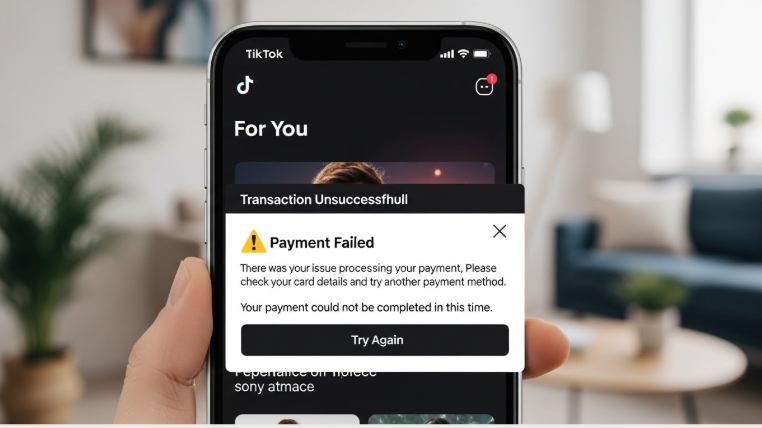
Payment declined
- Switch from in-app to web recharge
- Use a virtual card
- Check bank spending limits
Coins not showing up
- Refresh the app
- Log out and back in
- Contact TikTok support with your receipt
Price confusion
- Compare app vs web pricing
- Web recharges are usually cheaper
Best Way to Recharge Coins With Fewer Issues
- Use TikTok’s official web recharge page
- Log into your account
- Select your coin bundle
- Pay with a reliable card or Bycard
- Confirm and refresh your balance
This approach reduces errors and avoids unnecessary markups.

Perfect Card for running ads!
Conclusion
If you’re deciding where to recharge coins on TikTok and which payment methods work best, the most reliable approach is clear. Whenever possible, use TikTok’s web recharge, as it often offers lower prices and more stable transactions than the app. Keep in mind that in-app purchases usually come with higher fees, so choosing payment methods with fewer restrictions can save time and prevent errors. For users whose cards fail or who need more flexibility, using Bycard virtual cards is a dependable alternative. While recharging coins may seem simple, following these steps ensures the process is smoother, more cost-effective, and reliable every time.

CATEGORIES
Wise or Revolut? Comparing the Best Multi-Currency Card

Wise Alternatives That Make Payment Faster and Currency Conversion Simple
Wire Transfer vs Bank Transfer for Better & Swift Business Payments

Why Travel Rewards Credit Cards are Highly Important
Why the Ramp Card Might Be the Best Business Card

Why Sales and Discounts Make You Overspend
