
 Log in
What is Credit Card Information? Modern Insights with Bycard

“Credit card information refers to the key payment details required to process card transactions, including the card number (PAN), expiration date, CVV security code, and billing information.”
Behind every tap or online checkout, a few numbers decide if money moves or not” Yes! Your credit card information needs to be protected at all costs.
Bycard sits in the fast-growing virtual card category as an issuer that can provision cards on global networks, combining issuer control with the reach of established brands.
- What is Credit Card Information? Modern Insights with Bycard
- What’s on Your Credit Card?
- How Credit Card Payments Work
- What Is Tokenization in Card Payments?
- What Is PCI DSS?
- How Merchants Verify Credit Card Information
- Common Credit Card Fraud Risks
- How Virtual Cards Improve Payment Security
- Debit Card vs Credit Card Information
- What Merchants Can See During Transactions
- How to Protect Your Credit Card Information
- Bycard: A Smarter Way to Manage Credit Card Information
- Benefits of Bycard Over Traditional Credit Cards
- Frequently Asked Questions
- What information is required for online card payments?
- Is it safe to store card information online?
- What’s the difference between CVV and PIN?
- Can merchants see my full card number?
- How does tokenization work?
- What is AVS verification?
- How is Bycard different from a traditional credit card?
- Are virtual cards safer than physical ones?
- Can I use Bycard for ads and vendor payments?
- Is Bycard licensed and regulated?
- What happens when credit card information is stolen?
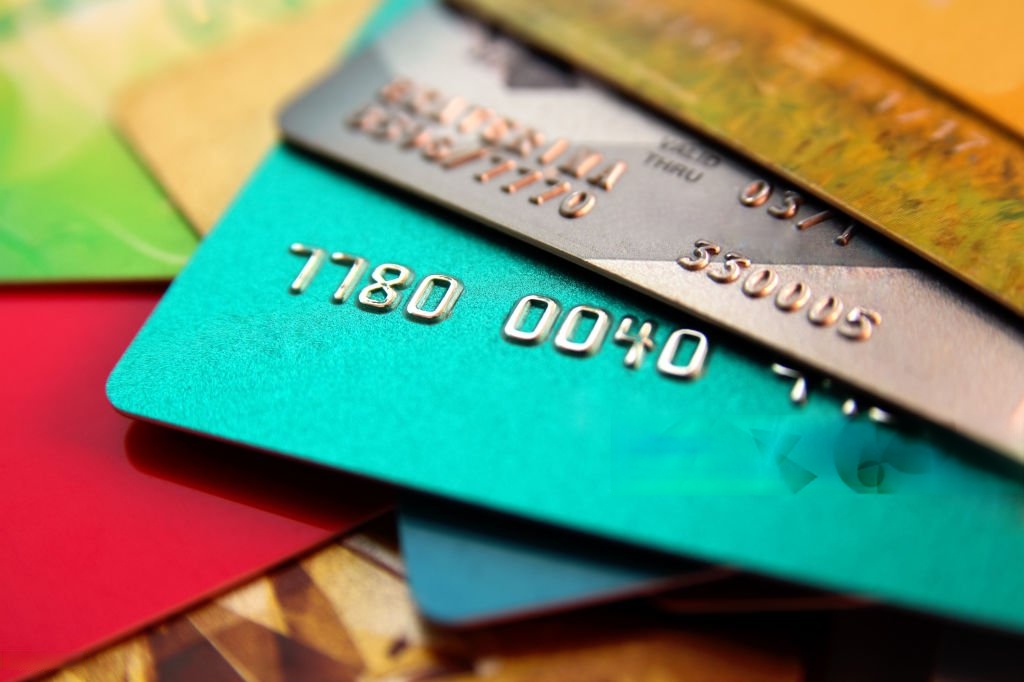
What’s on Your Credit Card?
Cardholder Name:
The cardholder name identifies the authorized owner of the card account.
Example:
- John Doe
Merchants may use the name as part of identity verification during online purchases.
Primary Account Number (PAN)
The PAN is the long 15- or 16-digit card number displayed on the front or back of the card.
Example:
- 4532 8890 1145 7621
The PAN identifies:
- The card issuer
- The card network
- The individual account
The first digits are known as the BIN or IIN (Bank Identification Number), which identifies the issuing institution.
Expiration Date
The expiration date indicates when the card becomes invalid.
Example:
- 08/29
Banks use expiration dates to reduce fraud and encourage periodic card renewal.
CVV or CVC Security Code
The CVV (Card Verification Value) or CVC is a 3- or 4-digit security code used to verify that the cardholder physically possesses the card.
Examples:
- Visa/Mastercard: 3 digits
- American Express: 4 digits
CVV codes are commonly used for:
Online purchases
Card-not-present transactions
Fraud prevention
Billing Address
The billing address is the address associated with the card account. Payment systems use Address Verification System (AVS) checks to compare the entered billing address with bank records.
This helps prevent unauthorized card use.
How Credit Card Payments Work
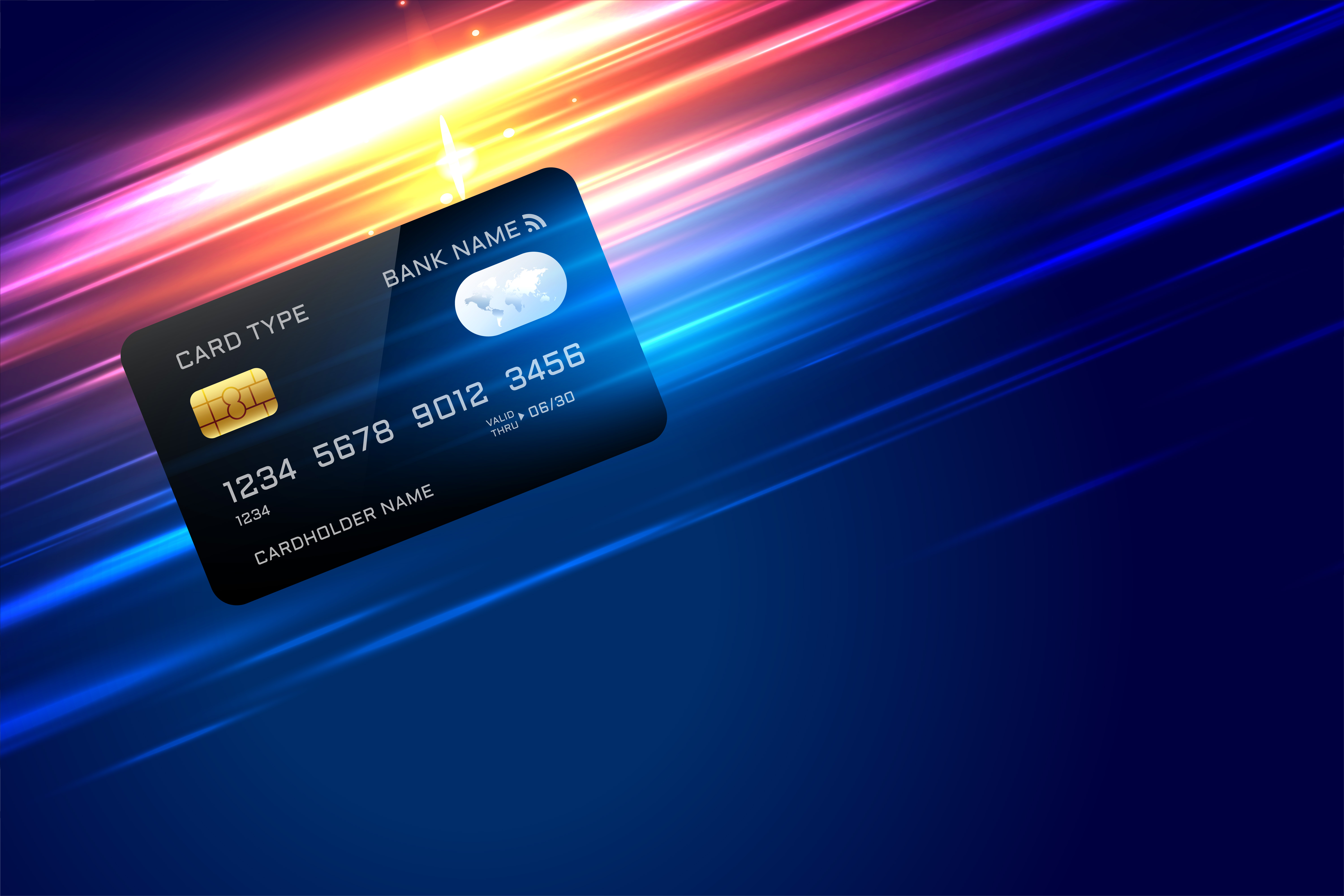
Step 1: Card Information Is Entered
- The customer enters:
- PAN
- Expiration date
- CVV
- Billing information
Step 2: Payment Gateway Encrypts Data
A payment gateway securely encrypts the card information before sending it to payment processors. Encryption protects sensitive financial data from interception.
Step 3: Payment Processor Contacts the Card Network
The payment processor sends the transaction request through:
- Visa
- Mastercard
- American Express
- Discover
The card network routes the request to the issuing bank.
Step 4: Issuing Bank Verifies the Transaction
The bank checks:
- Available credit
- Billing verification
- Fraud signals
- Transaction history
- CVV validity
The bank then approves or declines the transaction.
Step 5: Authorization Is Returned
The merchant receives an approval or decline response within seconds. If approved, the payment is completed.
How Credit Card Information Is Used in Payments
- Online shopping: You provide PAN + expiry + CVV + billing ZIP; the merchant submits an authorization through the network to your issuer.
- Ad campaign payments: Funding Meta, Google, TikTok and other platforms often requires stable cards and clean approval signals; virtual cards help isolate each account or campaign.
- Travel bookings: Airlines/hotels frequently use further verification and pre-authorizations; exact billing info reduces declines.
- Vendor/business payments: Subscriptions and SaaS tools rely on tokenized “card-on-file” credentials.
PS: Bycard issues instant virtual cards you can dedicate to each ad account, vendor, or trip, improving control and helping reduce declines and messy reconciliations.
What Is Tokenization in Card Payments?
Tokenization replaces sensitive card information with a secure digital token.
Instead of storing your real card number, merchants store a randomized token that cannot easily be exploited if a data breach occurs.
Tokenization is widely used in:
- Apple Pay
- Google Pay
- Virtual cards
- Subscription billing systems
Benefits of tokenization include:
- Reduced fraud risk
- Safer online payments
- Better PCI DSS compliance
- Reduced merchant liability
What Is PCI DSS?
PCI DSS stands for Payment Card Industry Data Security Standard.
It is a global security standard designed to protect cardholder data during storage, processing, and transmission.
Businesses that handle payment data must follow PCI DSS requirements, including:
- Data encryption
- Access control
- Secure networks
- Vulnerability management
- Security monitoring
PCI DSS helps reduce:
- Card theft
- Data breaches
- Financial fraud
How Merchants Verify Credit Card Information
Merchants use several verification systems to reduce payment fraud.
Address Verification System (AVS)
AVS checks whether the billing address entered matches bank records.
CVV Verification
The bank verifies the security code submitted during payment.
Fraud Detection Systems
Modern payment systems analyze:
- Device fingerprints
- IP addresses
- Geographic locations
- Transaction patterns
- Purchase behavior
Suspicious transactions may be blocked automatically.
Common Credit Card Fraud Risks
Understanding common fraud methods can help protect your financial information.
Phishing Attacks
Scammers trick users into revealing card details through fake emails or websites.
Card Skimming
Criminals install devices on ATMs or payment terminals to steal card data.
Data Breaches
Hackers target companies that improperly store customer payment information.
Card-Not-Present Fraud
This occurs when stolen card information is used online without the physical card.
How Virtual Cards Improve Payment Security
Virtual cards generate temporary or reusable digital card numbers that mask your real card information.
Benefits include:
- Reduced fraud exposure
- Safer online purchases
- Spend controls
- Subscription management
- Merchant-specific card numbers
Businesses frequently use virtual cards for:
- Advertising spend
- Vendor payments
- SaaS subscriptions
- Employee spending controls
Because the real card number stays hidden, virtual cards provide an additional layer of payment security.
Debit Card vs Credit Card Information
Although debit and credit cards share similar information fields, they function differently.
| Feature | Credit Card | Debit Card |
|---|---|---|
| Linked to | Credit line | Bank account |
| Fraud protection | Usually stronger | Varies by bank |
| Spending limit | Credit limit | Available balance |
| Chargeback rights | Common | More limited |
| Rewards | Often available | Less common |
Understanding the difference helps consumers choose safer payment methods for different situations.
What Merchants Can See During Transactions
Merchants generally cannot see:
- Your full bank account details
- Your PIN
- Your complete financial profile
However, merchants may see:
- Partial card number
- Card type
- Authorization response
- Billing verification result
Secure payment systems are designed to limit unnecessary exposure of sensitive data.
How to Protect Your Credit Card Information
Use Virtual Cards
Virtual cards reduce exposure of your actual payment details.
Avoid Public Wi-Fi for Payments
Public networks may expose payment sessions to attackers.
Monitor Transactions Regularly
Review your statements frequently for unauthorized activity.
Enable Two-Factor Authentication
Additional verification improves account security.
Shop on Secure Websites
Look for:
- HTTPS encryption
- Trusted payment gateways
- Verified merchants
Risks of Mishandling Credit Card Information
Card-not-present (CNP) fraud, phishing, unauthorized transactions: CNP remains a persistent risk online; recent Federal Reserve system research tracks rising CNP fraud loss rates over time.
Data breaches & identity theft: If your static card number leaks, it can be used across many merchants until you replace it.
Bycard: A Smarter Way to Manage Credit Card Information
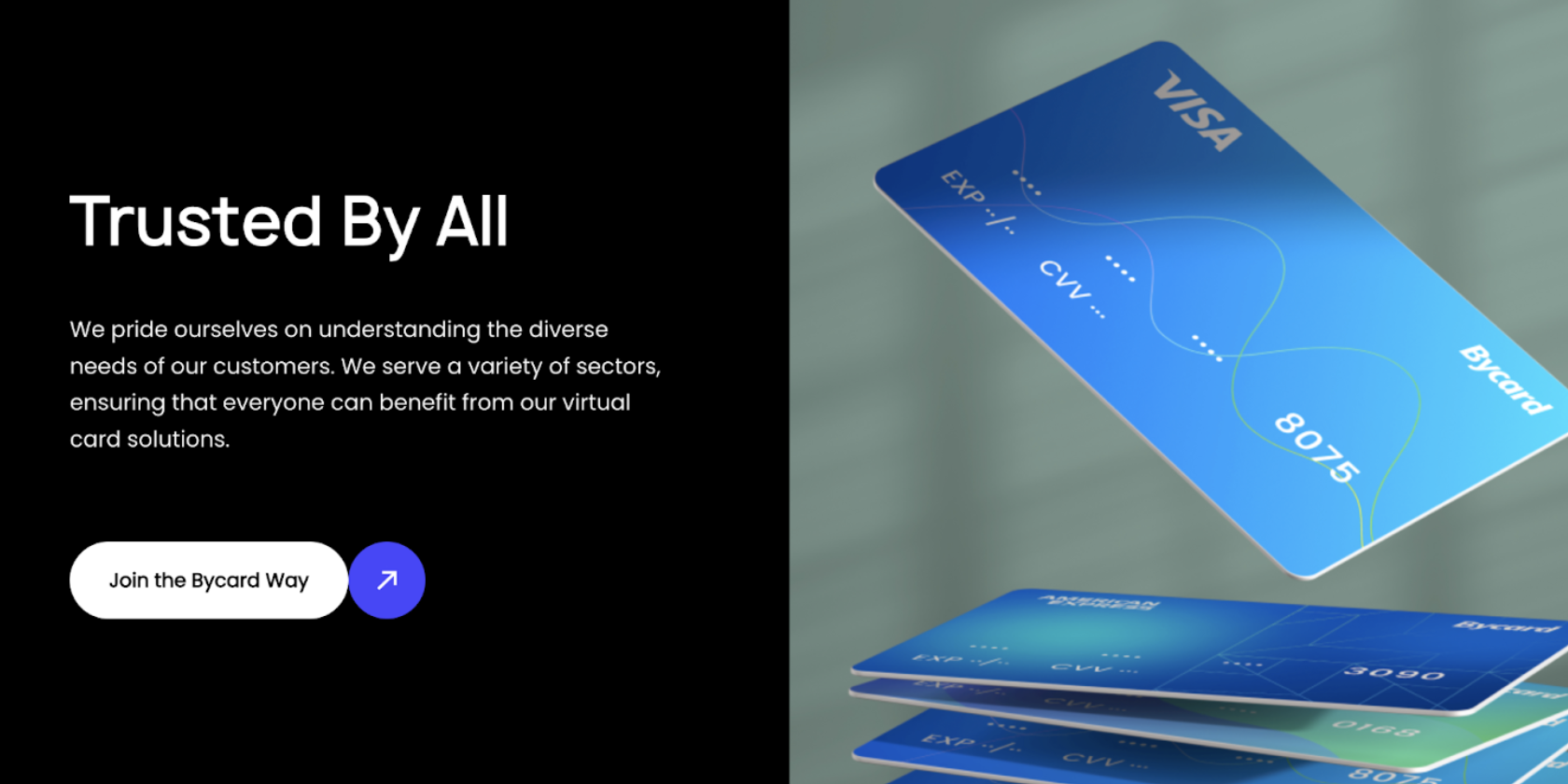
Regulated footing: Bycard states it is MSB-registered in the U.S. (FinCEN administers MSB registration; firms typically renew every two years).
One card stack, many uses: Ads, shopping, travel, vendor payables, spin up dedicated cards and manage all from one place
Digital-first controls: Create, limit, lock, or close a card in seconds; track transactions, attach receipts, and simplify reconciliation in your workflow.

Get your Virtual Card Instantly
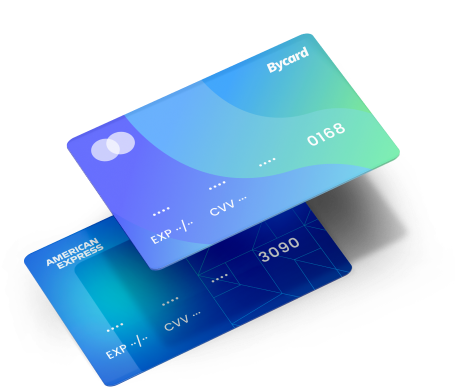
Benefits of Bycard Over Traditional Credit Cards
- Lower exposure: No plastic to lose; rotate virtual numbers as needed.
- Faster onboarding & usage: Issue a new card for a campaign or vendor instantly, no shipping delay.
- Global readiness: Provision cards on major networks for broad online acceptance (useful for cross-border ad buys and SaaS).
- Built for business and personal: Budgeting, receipt capture, and per-merchant caps reduce leaks and simplify audits.
Conclusion
Understanding card numbers, expiry, CVV, and billing data is essential for smooth payments and fraud avoidance. Virtual cards take that one step further by making your details dynamic and controllable. If you want speed, control, and safer online spending, from ad platforms to travel and vendors, Bycard offers an issuer-grade, digital-first experience built for modern payments.

CATEGORIES

轻松完成账单支付的 Google Ads 支付方式指南现已上线
Wise vs Revolut? Comparing the Best Multi-Currency Card 2026

Wise Alternatives That Make Payment Faster and Currency Conversion Simple

Wire Transfer vs Bank Transfer – Swift Business Payments Now

Why Virtual Cards Matter in Digital Payments Now

Why Travel Rewards Credit Cards are Highly Important
