
 Log in
Leveraging on Outbrain Advertising for your Ad Campaigns
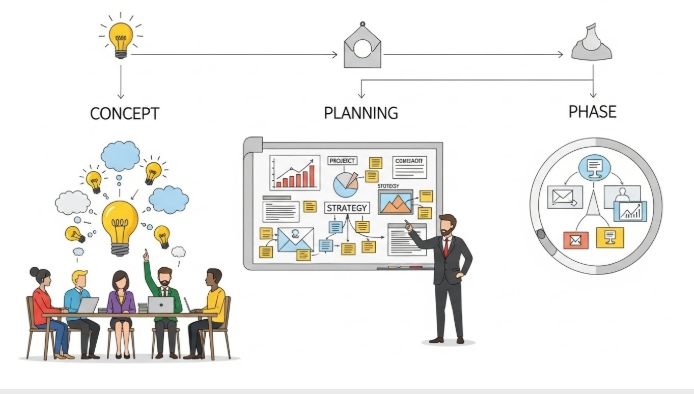
Outbrain Advertising offers marketers a different approach to running campaigns in an increasingly competitive and expensive social media and search landscape. By placing your content where people are already consuming stories, articles, and videos, this discovery-based environment reaches audiences who are more receptive to learning about your products or services.
Pairing Outbrain campaigns with a flexible spend management tool like Bycard takes efficiency even further, letting marketers focus on strategy and performance instead of payment and budgeting logistics.
- Leveraging on Outbrain Advertising for your Ad Campaigns
- Why Outbrain Advertising Works for Campaign Visibility
- Step-by-Step: Setting Up an Outbrain Advertising Campaign
- Using Bycard for Outbrain Advertising Spend
- Why Use Outbrain Advertising with Bycard
- Outbrain Pixel & Tracking: Measure Conversions Effectively
- Creative Specs That Work on Outbrain Advertising
- Brand Safety & Policy Compliance
- Audience Targeting Tools in Outbrain Advertising
- Performance Benchmarks
Why Outbrain Advertising Works for Campaign Visibility
Outbrain puts your content in front of users on premium publishers in recommendation feeds rather than interrupting them with pop-ups or intrusive banners.
- Users spend 2–3× longer on content discovered via recommendation widgets.
- Native placements drive higher engagement because they feel relevant and seamless.
- Outbrain supports multiple objectives: awareness, traffic, leads, or conversions.
Step-by-Step: Setting Up an Outbrain Advertising Campaign
Here’s a practical guide to launching campaigns efficiently:
- Create Your Campaign
- Choose an objective: Awareness, Traffic, or Conversions
- Name the campaign by content type or funnel stage
- Select country, language, and device targeting
- Choose an objective: Awareness, Traffic, or Conversions
- Upload Creatives
- Use multiple headline–image pairs to maximize testing
- Outbrain automatically optimizes combinations
- Use multiple headline–image pairs to maximize testing
- Set Budget & Bid Strategy
- CPC for traffic-focused campaigns
- Target CPA or Max Conversions for pixel-enabled campaigns
- CPC for traffic-focused campaigns
- Launch & Monitor
- Allow early impressions to gather data
- Adjust publishers, creatives, and budgets based on performance
- Allow early impressions to gather data
Using Bycard for Outbrain Advertising Spend
One of the biggest challenges in running multiple campaigns is tracking and managing spend. Bycard solves this:
- Instant Virtual Cards (VCCs): Create dedicated cards per campaign, including an “Outbrain Ads VCC”, to isolate spend and simplify reporting.
- Multi-Currency Support: Pay Outbrain campaigns in different currencies without conversion headaches.
- Budget Management & Reconciliation: Track spending in real-time, generate reports, and reconcile expenses effortlessly.
- Crypto Top-Up Options: Fund campaigns with crypto (e.g., USDT) where applicable.
- Security & Compliance: Bycard is regulated under US MSB rules, reducing risk for cross-border campaigns.
How to Get Your Bycard Virtual Card for Outbrain Advertising
Follow these steps to create a Bycard virtual card and start funding your campaigns:
- Sign Up or Log In to Bycard
- Go to Bycard’s website and create an account or log into your existing dashboard.
- Go to Bycard’s website and create an account or log into your existing dashboard.
- Verify Your Account
- Complete KYC verification by submitting your ID and any required documents to activate full functionality.
- Complete KYC verification by submitting your ID and any required documents to activate full functionality.
- Create a Virtual Card (VCC)
- In your dashboard, select “Create Virtual Card”
- Choose a card type (Visa or Mastercard) and assign it a name like “Outbrain Ads VCC” for tracking campaigns.
- In your dashboard, select “Create Virtual Card”
- Fund Your Card
- Top up via bank transfer, card, or crypto (e.g., USDT) depending on your preference.
- Top up via bank transfer, card, or crypto (e.g., USDT) depending on your preference.
- Set Budget & Controls
- Specify a spending limit, currency, and optional freeze/unfreeze controls for better budget management.
- Specify a spending limit, currency, and optional freeze/unfreeze controls for better budget management.
- Use Your Card for Outbrain Campaigns
- Enter the VCC details in your Outbrain Ads dashboard to pay for campaigns
- Track spending in real-time directly from Bycard
- Enter the VCC details in your Outbrain Ads dashboard to pay for campaigns
Using Bycard ensures your Outbrain Advertising campaigns are financially organized, scalable, and secure.

Perfect Card for running ads!
Why Use Outbrain Advertising with Bycard
- Lower CPCs and higher engagement
- Better budget and currency management
- Scalable campaigns with clear spend visibility
- Safe, compliant, and optimized performance
For marketers running multiple campaigns or agencies managing clients, the combination of Outbrain Advertising and Bycard virtual cards makes campaign execution simpler, faster, and more accountable.
Outbrain Pixel & Tracking: Measure Conversions Effectively
Installing the Outbrain Pixel is key to performance campaigns:
- Placement: Add it to your site header or via Google Tag Manager
- Events to Track: Page view, lead, purchase, scroll depth, video engagement
- Benefits: Optimizes spend, improves CPA, and identifies top-performing publishers
When combined with Bycard’s spend tracking, you get a full view of both financial and campaign performance.
Creative Specs That Work on Outbrain Advertising

Headline Best Practices
- Keep between 40–70 characters
- Use curiosity, problem-solving, or unexpected insights
- Avoid clickbait
Headline Examples for Outbrain Advertising:
- “Is This the Most Cost-Effective Way to Grow Your Ad Campaigns?”
- “Struggling With High CPCs? This Approach Cuts Costs.”
- “Most Marketers Overlook This Native Channel, Here’s Why.”
Image Recommendations
- Size: 1200 × 800 px
- High-contrast visuals, subtle emotions, human faces
- Avoid overly generic stock photos
Video in Outbrain Advertising
Outbrain supports native video, which can autoplay in recommendation feeds and use end cards to boost post-view engagement. Video works well for awareness campaigns, storytelling, product explainers, or testimonials.
Brand Safety & Policy Compliance
Outbrain ensures content aligns with publisher standards:
- Avoid misleading claims or clickbait
- Don’t use overly sensational images
- Respect editorial guidelines
Bycard helps keep financial management transparent, so marketers avoid overspending or reissuing payments if content is rejected.
Audience Targeting Tools in Outbrain Advertising
Outbrain Advertising provides several powerful ways to reach the right audience for your campaigns, allowing you to optimize performance and reduce wasted spend.
- Interest & Contextual Segments
Target users based on the types of content they are reading online. For example, if your product relates to fintech, you can serve your native ads alongside articles about finance, investment, or banking. This method increases engagement because your content appears in relevant contexts where users are already interested.
- Custom Audiences
Upload your existing CRM lists or use Outbrain Pixel data to target specific users who are already familiar with your brand. This is ideal for remarketing campaigns, nurturing leads, or re-engaging past customers. When paired with Bycard, you can manage and track spend on campaigns targeting these premium audiences, making it easier to measure ROI per segment.
- Lookalikes
Outbrain can build audiences similar to your top converters. This expands your reach while maintaining quality traffic because the platform identifies users with behaviors and interests like your most valuable customers. Using dedicated Bycard virtual cards for each lookalike campaign ensures you can scale efficiently while keeping budgets organized.
Performance Benchmarks
- CTR: 0.20%–0.45%
- CPC: Often lower than social campaigns
- Time on Page: 2–3× higher than standard ads
- Bounce Rates: Lower when headline matches landing page
Bycard enables precise budgeting, so marketers can track ROI against these benchmarks.
Conclusion
Outbrain Advertising offers marketers a powerful way to reach engaged audiences through native placements, while Bycard simplifies campaign spend management, budgeting, and multi-currency payments. By combining these tools, marketers can run scalable, secure, and optimized campaigns without worrying about financial logistics. Whether testing headlines, images, or videos, or targeting custom and lookalike audiences, integrating Outbrain with Bycard ensures campaigns remain efficient, trackable, and ready to adapt to evolving trends, giving businesses better control over results and ROI.

CATEGORIES
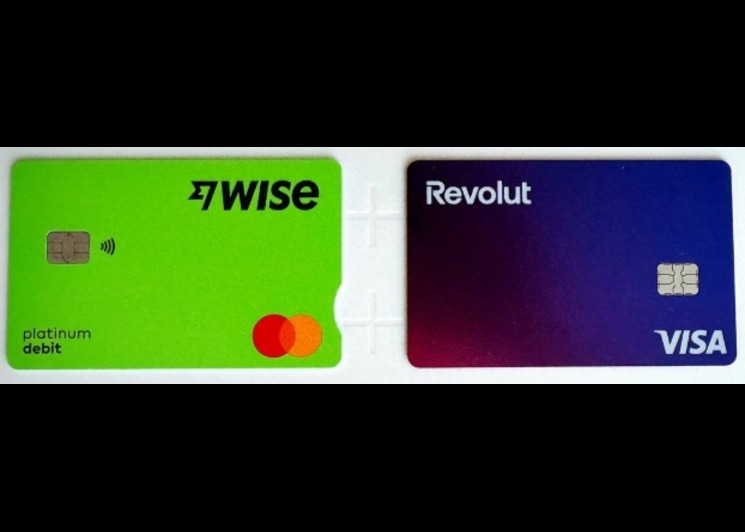
Wise or Revolut? Comparing the Best Multi-Currency Card
Wise Alternatives That Make Payment Faster and Currency Conversion Simple

Wire Transfer vs Bank Transfer for Better & Swift Business Payments

Why Travel Rewards Credit Cards are Highly Important
Why the Ramp Card Might Be the Best Business Card

Why Sales and Discounts Make You Overspend
